README That Actually Gets Your Repo Noticed
Not a trick, not a template — a working method for the file most maintainers write last and visitors judge first.
On this page
I’ve rewritten the README on a side project four separate times, and the version that finally got someone to open an issue instead of just closing the tab wasn’t the one with the best prose. It was the one that answered “what is this, and can I try it in the next ninety seconds” before anything else. That’s really the whole game, and most guides bury it under badge rows and GIF advice before they say it plainly.
This one won’t promise you a spot on github.com/trending — nobody can promise that honestly, and I’ll explain exactly why below. What it will do is walk through what actually controls whether a stranger reads past your first screen, using GitHub’s own documentation, reporting on how discovery works on the platform, and the structural patterns shared by READMEs that have genuinely grown projects.
The “featured” myth, corrected
Search “how to get your repo featured on GitHub” and you’ll find checklists that treat GitHub Trending like an SEO ranking factor you can optimize for. It isn’t. GitHub has never published the trending algorithm, and even long-time contributors on GitHub’s own community forum openly compare notes trying to reverse-engineer it — one community member’s working theory, offered in a GitHub discussion thread, is that trending compares a repo’s current star gain against its own historical baseline rather than ranking on raw star counts. That’s an informed guess from the community, not a confirmed spec.
What GitHub has confirmed, as far back as the feature’s original 2013 launch, is the input side: TechCrunch’s reporting on that launch described the trending page as drawing on stars, forks, commits, follows, and page views, weighted by how recently the activity happened. The exact weighting has changed since and was never made public in full.
A great README does not make a mediocre or abandoned project trend. What it does — reliably, measurably, within your control — is stop a visitor who already found you from leaving in the first ten seconds. Those are different jobs. Most articles on this topic quietly conflate them.
How GitHub actually surfaces repos
Discovery in 2026 runs through three channels that behave very differently, and confusing them is why so much README advice contradicts itself.
Trending and Explore. Trending rewards short-term velocity — a burst of stars relative to a repo’s own baseline — filtered by language and time window. GitHub’s Explore page layers in editorial curation and personalization based on who you follow and what you star, which is a separate, slower-moving system.
Search and topics. This is the channel a README has the most direct influence over. GitHub’s code and repository search indexes your README text, and well-chosen topics tags surface you on topic pages that developers actively browse.
AI-assisted discovery. This one is newer and easy to underweight. When someone asks an AI assistant to compare tools or find a library for a task, the assistant frequently pulls from README content to summarize what a project does and who it’s for. A README that states its purpose in one clear sentence up top is more likely to be quoted accurately than one that opens with a wall of badges — the same clarity that helps a human skimmer helps a model summarizing it.
What GitHub’s own docs guarantee
Before the writing advice, a few mechanical facts worth knowing, because they change how you should structure the file:
- If a repository has more than one README, GitHub picks one using a fixed order of precedence: the hidden
.githubdirectory first, then the repository root, then/docs. Duplicate READMEs in multiple locations is a common, invisible cause of “why is my update not showing.” - Anything past 500 KiB gets truncated on the rendered page. If your README is that long, it belongs in a wiki or a linked docs site, not the front file.
- Use relative links for anything inside your own repo. Absolute GitHub URLs break the moment someone clones the project and opens the file locally or in a fork.
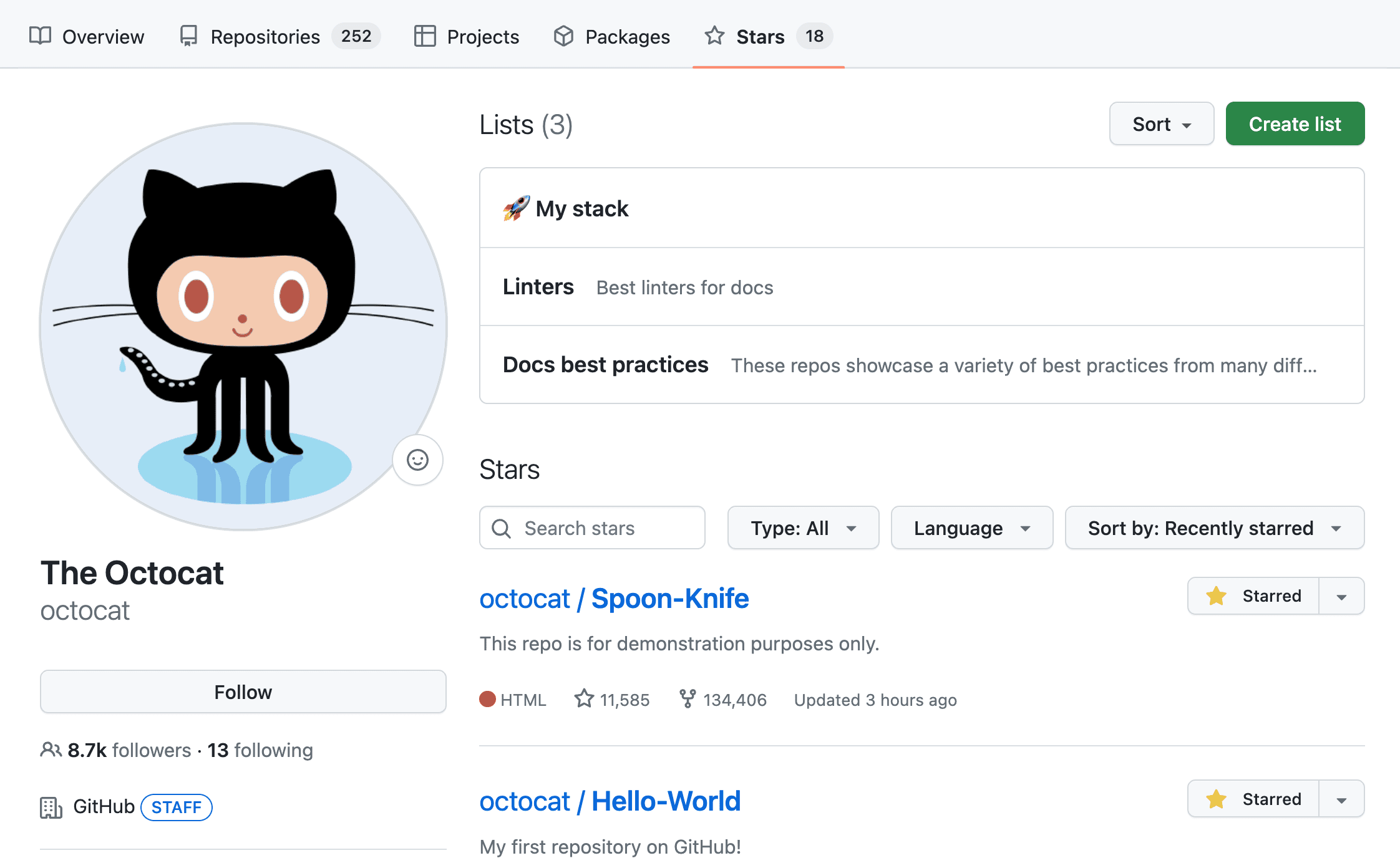
- A public repo named exactly after your GitHub username, with a README in its root, automatically becomes your profile page. It’s a separate surface from your project READMEs and deserves its own, different content.
The anatomy of a README that works
Every structural breakdown of high-performing open-source READMEs — from GitHub’s own guidance to independent audits of repositories that crossed real star milestones — converges on the same skeleton, even when the visual styling differs wildly. Iris, the former COO of the 60,000-star project AFFiNE, put the test simply: your first two lines need to establish what the project is and why the reader should care, before anything else competes for attention.
| Section | Job it does | What quietly kills it |
|---|---|---|
| Title + one-liner | Names the thing and the reason it exists, in one breath | Restating the repo name with no context (“A tool for X”) |
| Visual proof | Shows the thing working before anyone reads a word | No screenshot/GIF, or one that’s stale relative to the current UI |
| Quick start | Gets a working install/run in under five commands | Prerequisites buried below the fold, or missing entirely |
| Why / positioning | Answers “how is this different from the obvious alternative” | Feature lists with no comparison or context |
| Usage examples | Shows real, runnable code, not abstract API shape | Pseudocode that doesn’t actually execute |
| Contributing + license | Tells outside contributors and legal reviewers what’s allowed | Missing license file — a silent dealbreaker for company adoption |
Independent structural audits of README templates report a typical high-performing length of roughly 800–1,500 words for a project README — long enough to cover the table above, short enough that nobody bounces. Treat that as a useful ballpark from one practitioner’s review of dozens of repos, not a rule GitHub enforces.
Functional badges vs. vanity badges
Badges are one of the most over-corrected pieces of README advice. Used well, they’re a real trust signal. Used as decoration, they do the opposite — a reviewer who has audited hundreds of profile and project READMEs put it bluntly: rows of badges that say nothing measurable are a sign the README was assembled from a template rather than written for the project in front of you.
| Badge | Signal | Verdict |
|---|---|---|
| Build status (CI) | Tests are wired up and passing right now | Functional — keep |
| Package version (npm/PyPI) | Published version matches what’s in the README | Functional — keep |
| License | Saves a legal/procurement reviewer one click | Functional — keep |
| “Made with ❤️” | None — pure decoration | Vanity — cut |
| “PRs Welcome” | None — say it in a sentence instead | Vanity — cut |
| Raw star/fork count | Rarely changes a reader’s decision either way | Optional at best |
Badges are generated as live SVGs from a URL pattern like https://img.shields.io/npm/v/your-package via Shields.io, which remains the default generator most projects reach for. Three to four functional badges in a single row is the current norm among maintained projects; more than that starts to read as noise.
A build process you can repeat
- Write the one-liner last, but draft it first. Say what the project does and who it’s for in one sentence with no jargon. You’ll rewrite this after the rest of the README exists — that’s normal, not a failure.
- Record the demo before you write the quick start. A 10–20 second GIF or three annotated screenshots, taken from the current build, not an old one. If there’s nothing visual to show, a terminal recording of the install-to-first-output flow works just as well.
- Write the install and run steps by actually running them. Copy each command from a clean environment, not from memory. Stale install instructions are the single most common reason a promising README loses a visitor at the second step.
- Add one comparison paragraph. Name the obvious alternative a reader is likely already considering, and say plainly where you’re better and where you’re not. Readers trust an honest trade-off more than a features table with every box checked.
- Cut every badge that isn’t backed by a live status. If you can’t say what a badge measures in one clause, remove it.
- Run it past someone who’s never seen the project. Time how long it takes them to understand what it does and get it running. If it’s over two minutes, something above the fold is in the wrong order.
Mistakes that quietly kill READMEs
- A stale “Last updated” date. One widely shared 2026 README audit put it well: a visible date on a README immediately signals neglect if it isn’t kept current — so either automate it or leave it out.
- Absolute links to your own repo files. They survive on github.com and break the moment the repo is cloned or forked, per GitHub’s own linking guidance.
- Trying to game trending with purchased or coordinated stars. Beyond being against GitHub’s terms, it’s a bad bet on the merits — one open-source growth writer flagged that repeatedly-trending maintainers see a very fast dropoff if the star velocity isn’t backed by real incoming traffic from multiple independent sources. Treat any specific “X stars in 24 hours” threshold you read as folklore, not a documented rule — GitHub has never confirmed one.
- A README that’s really a full user manual. Past a few thousand words, move the depth into a docs site or wiki and keep the README as a front door with links out.
- No license file. Many companies have a policy against depending on unlicensed code at all — this alone silently excludes an entire category of adopters.
What a README can’t do for you
This is the part most “God-mode” prompts and growth guides skip, and it matters more than any formatting tip: a README redistributes attention you’ve already earned somewhere else. It doesn’t generate that attention on its own. Every documented growth story behind a widely starred repo — AFFiNE included — pairs README work with an actual launch: a Show HN post, a conference talk, a real answer to a real problem someone was searching for. If nobody has a reason to click through to your repo yet, the best README in the world has nothing to convert.
The honest sequencing is: solve something real → get in front of the people who have that problem → make sure the README doesn’t waste the visit you just earned. Most of the advice online, including some of what’s cited above, is written by people looking backward at that third step and mistaking it for the whole story.
Frequently asked questions
Does GitHub have an official way to submit a repo to be “featured”?
Not for the Explore trending list. GitHub does run separate, invitation- or nomination-based spotlights (like Octoverse features or sponsored collections) that are unrelated to the automatic trending algorithm and change over time — check GitHub’s current blog for any live program rather than assuming one exists.
How long should a README actually be?
Long enough to cover the anatomy table above, short enough to stay scannable — in practice that lands most projects around 800–1,500 words, with deeper docs split out to a wiki or docs site.
Do I need a GIF, or is a screenshot enough?
A GIF earns its place when the value of your project is in an interaction (a UI, a CLI flow, an animation). If the value is a single output or API response, a clean screenshot or code block does the same job with a smaller file.
Should I use a README generator or write it by hand?
Generators are a solid way to get the skeleton and badge markup right fast — our own README generator is built around this exact structure. Treat the generated draft as a first pass, then rewrite the one-liner, the comparison paragraph, and the quick start in your own words, since those three sections are where generic output is easiest to spot.
Do badges actually influence trending or search ranking?
No direct evidence supports that. Badges influence a human reader’s trust in the first few seconds; there’s no confirmation GitHub’s discovery systems weight them at all.
Is it worth translating the README into other languages?
For projects with a genuinely global user base, yes — the common pattern is a short language-switcher line at the top linking to README.md, README-zh.md, and so on, rather than one long multilingual file.
What’s the single highest-leverage change if I only fix one thing?
Rewrite the first two lines. If a stranger can’t tell what the project is and why it matters to them before scrolling, everything else in the file is working against a lost reader.
Can a great README make an abandoned project trend?
No. Trending is driven by star velocity, which requires new people actually finding and starring the repo. A README can convert visitors it doesn’t generate visitors on its own — see the section above on what a README can’t do.
Should the README live in the repo root or the .github folder?
Either works — GitHub checks .github first, then the root, then /docs, and renders whichever it finds first. Pick one location and keep a single copy; duplicates in multiple locations cause confusing “my edit didn’t show up” bugs.
Related tools on Code Talent Hub
- README Generator — scaffold the structure covered in this guide, then customize it
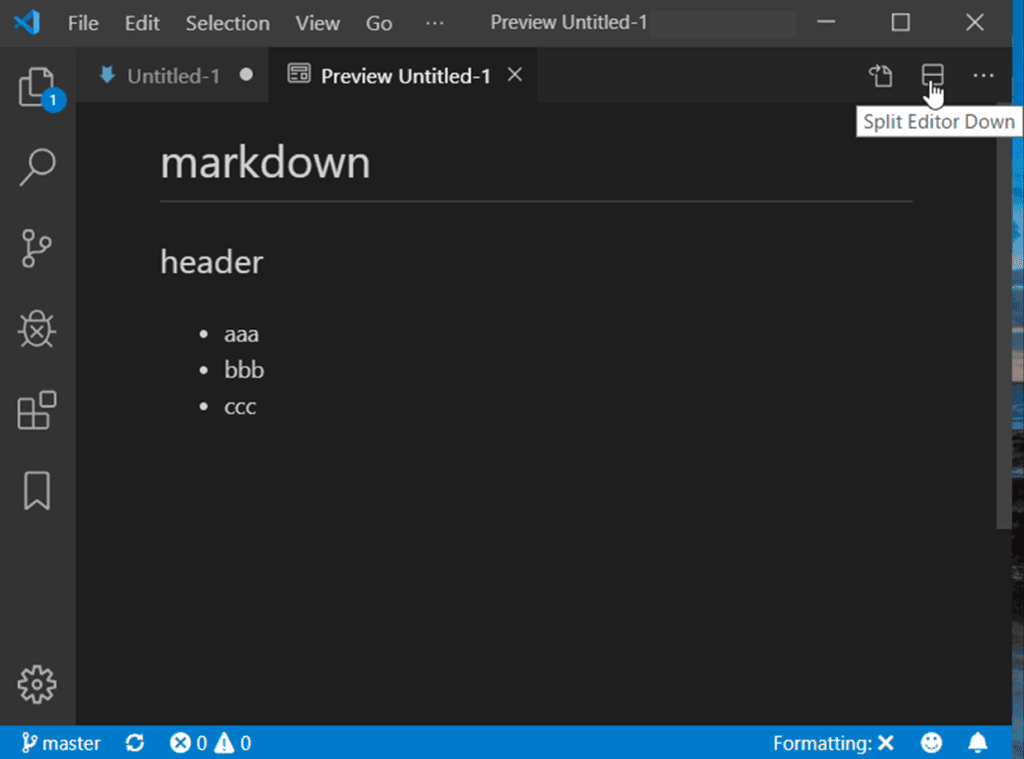
- Markdown Previewer — check how your README renders before you push
- Git Commit Message Generator — for the commit history GitHub’s own discovery signals partly weigh
- GitHub Showcases — more guides on presenting your repos and profile
- Cursor vs. GitHub Copilot vs. Claude — if an AI assistant helped you build the project, here’s how the main options compare
Sources
- GitHub Docs — About READMEs
- GitHub Community Discussion — Curious about trending repos calculations, #163970
- GitHub Community Discussion — Algorithm to detect trending repositories, #3083
- TechCrunch — original reporting on the 2013 launch of the GitHub Trending page and its data inputs
- Iris, ex-COO of AFFiNE — GitHub README Best Practices: 8 Rules That Got 60k+ Stars, DEV Community
- UniLink Blog — GitHub README Templates in 2026
- Pushpen.dev — GitHub README Best Practices in 2026: The Complete Guide