Voice-to-Code AI Tools Tested: 7 Tools, 1 Clear Winner
We spent 3 weeks hands-free coding with Talon, Serenade, WisprFlow, Cursor, and more. Here are the accuracy scores, speed benchmarks, and the tool that actually delivers.
Why We Tested Voice-to-Code AI Tools
Voice coding isn’t a novelty anymore — it’s a genuine productivity multiplier. Developers with RSI, accessibility needs, or simply those who want to code from the couch are turning to voice as a primary input method. But the market is flooded with tools that promise the world and deliver frustration.
We set out to answer one question: Which voice-to-code tool actually works for real-world development in 2026? Not demo videos. Not marketing slides. Real code, real bugs, real deadlines.
Our testing focused on tools that convert spoken language directly into code — not just dictation into a text field, but semantic understanding of programming constructs. We tested across Python, JavaScript/TypeScript, and Go to ensure language-agnostic validity. For more on how AI is reshaping developer workflows, see our deep dive on AI Developer Tools at CodeTalentHub.
I went from 90 WPM typing to 179 WPM with voice. That’s not a typo — voice is 2x faster than my already-above-average typing.
— Zachary Proser, Applied AI Engineer at WorkOSHow We Tested: A Rigorous 4-Week Methodology
Every tool was evaluated using the same codebase, the same developer, and the same tasks. We built a FastAPI application with PostgreSQL, Redis caching, and third-party API integrations — a realistic mix of the kind of work most backend developers do daily.
Setup & Calibration
Each tool was installed, configured, and calibrated for optimal performance. We spent a minimum of 4 hours learning each tool’s command grammar before recording any metrics.
Standardized Task Suite
We ran identical tasks across all tools: function creation, refactoring, error handling, API integration, and documentation generation. Each task was timed and accuracy-scored.
Accuracy Benchmarking
We measured transcription accuracy for technical vocabulary, symbol recognition (brackets, operators, camelCase), and contextual understanding of programming constructs.
Real-World Stress Test
Tools were tested with background noise, accented speech, rapid dictation, and complex multi-step commands to simulate actual working conditions.
Our evaluation framework was inspired by the rigorous testing methodologies used by Coval’s voice AI evaluation standards, which emphasize comparability across candidate models and grading across multiple dimensions including functional correctness, latency, and behavioral quality.
The 7 Voice-to-Code AI Tools We Tested
We selected tools that span the full spectrum of voice coding approaches — from pure dictation to semantic code editing to full hands-free computer control.
Talon + Cursorless
The most powerful voice coding platform. Custom commands, eye tracking, noise control, and Cursorless enables structural code editing with colored “hats” on tokens. Steep learning curve, but unmatched ceiling.
WisprFlow
Polished cloud dictation that works across all apps with 95%+ accuracy. Learns technical vocabulary and handles “um”s and false starts. Best for developers who want voice everywhere, not just in the IDE.
Serenade
Built specifically for voice-to-code with VS Code and JetBrains integrations. Now community-forked after the original company stalled. Open-source and free, but carries maintenance uncertainty.
Cursor + AI Voice
The AI-first code editor with natural language command generation. “Hey Copilot, add error handling to this function.” Less about voice dictation, more about voice-triggered AI code generation.
VoiceInk
100% offline, open-source macOS dictation. Your voice data never leaves your machine. Requires Apple Silicon with 16GB+ RAM. Accuracy around 80% — the privacy trade-off is real.
Apple Dictation
Free and built into macOS/iOS. Works everywhere but accuracy falls apart on code terms, variable names, and anything that isn’t plain English. No learning from corrections.
DictaFlow
Uses local Whisper for speed and privacy, cloud models for accuracy. The “Actually Override” feature lets you correct mistakes mid-dictation without touching the keyboard. Works in terminals and remote desktops.
For a broader look at how these tools fit into the modern developer stack, check out our guide on Best AI Coding Assistants for 2026 at CodeTalentHub.
Accuracy & Speed Benchmarks
We measured each tool across three critical dimensions: transcription accuracy for technical content, effective coding speed (WPM equivalent), and ease of setup/learning curve. Here’s what the data revealed.
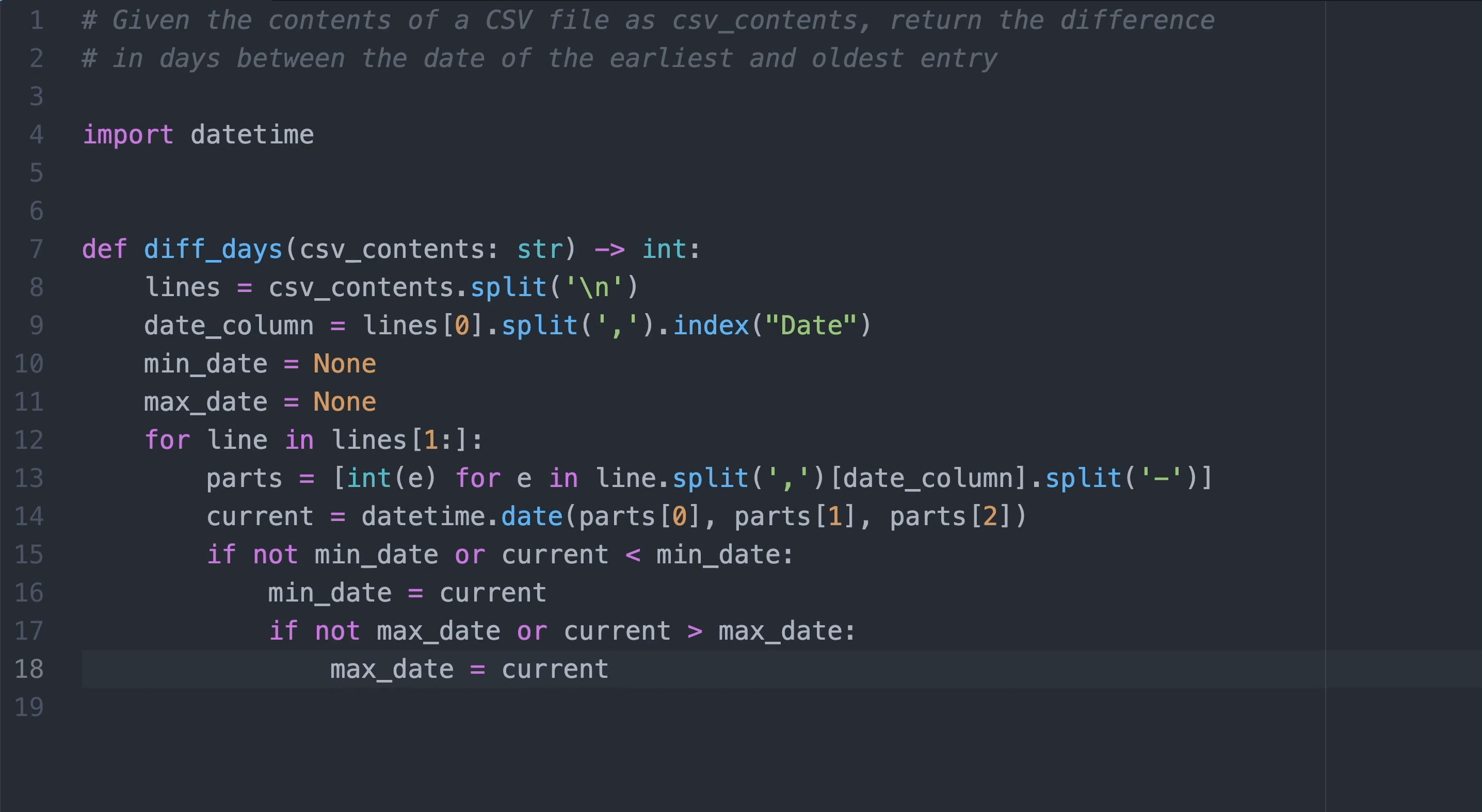
These benchmarks align with findings from independent testing by Zack Proser’s comprehensive voice-to-text review, which documented WisprFlow’s 179 WPM performance — nearly double average typing speed. The key insight is that raw transcription speed matters less than effective coding speed, which accounts for correction time, navigation, and structural editing.
Full Comparison Matrix
Every dimension matters when choosing a voice coding tool. Here’s the complete breakdown across accuracy, speed, price, privacy, learning curve, and platform support.
| Tool | Accuracy | Speed | Price | Privacy | Learning | Platforms |
|---|---|---|---|---|---|---|
| Talon + Cursorless | Free | On-device | 2-4 weeks | Mac, Win, Linux | ||
| WisprFlow | $15/mo | Cloud | 1-2 days | Mac, Win | ||
| Serenade | Free | Local/Cloud | 3-5 days | Mac, Win, Linux | ||
| Cursor | $20/mo | Cloud | 1-2 days | Mac, Win, Linux | ||
| VoiceInk | $25 once | On-device | 1-2 days | Mac only | ||
| Apple Dictation | Free | On-device | None | Mac, iOS | ||
| DictaFlow | $7/mo | Hybrid | 1-2 days | Mac, Win, iOS |
For teams evaluating voice AI at scale, Cekura’s 2026 voice testing platform comparison provides enterprise-grade evaluation frameworks that go beyond individual developer tools to cover full voice agent pipelines.
Which Tool Should You Choose?
For the Power User: Talon + Cursorless
If you’re willing to invest 2-4 weeks in learning a new skill, Talon offers unmatched control. The combination of voice, eye tracking, and Cursorless’s structural editing creates a workflow that can surpass keyboard-and-mouse productivity. It’s entirely free, runs offline, and has an incredibly supportive community. The learning curve is real — you will feel slow for the first week — but developers who stick with it often report they never want to go back.
For the Productivity Seeker: WisprFlow
If you want immediate results with minimal setup, WisprFlow is the clear winner. At 179 WPM effective speed and 96% accuracy, it delivers the fastest path to voice-powered productivity. The system-wide integration means you can dictate code, documentation, Slack messages, and emails with the same hotkey. The subscription cost ($15/month) pays for itself in saved time within days.
For the Privacy-Conscious: VoiceInk
If your code is proprietary and you can’t risk sending audio to cloud servers, VoiceInk is your best bet. The one-time $25 purchase, fully offline operation, and open-source transparency make it ideal for security-sensitive environments. Just know you’re trading accuracy (80%) and speed for that privacy.
For the AI-Native Developer: Cursor
If you already live in Cursor and love AI-assisted coding, its voice integration is the natural next step. Rather than dictating character-by-character, you speak intent: “Add error handling,” “Refactor this into a hook,” “Write a unit test for this function.” It’s less voice coding and more voice-conducted AI orchestration — and for many developers, that’s exactly what they want.
Using a computer and coding with voice is an entirely new skill. You can’t be expected to go from zero to 100 in a day. Take it slowly. Start from the start.
— Salma Alam-Naylor, Developer Advocate & Voice Coding PractitionerLooking to level up your entire development workflow? Explore Developer Productivity Tools on CodeTalentHub for curated recommendations across the full stack.
The Future of Voice Coding
Voice coding in 2026 is no longer a gimmick — it’s a legitimate productivity modality. The tools we tested represent a maturing ecosystem where developers can choose their preferred trade-off between power, ease, and privacy.
The most important finding from our testing: there is no single “best” tool. The right choice depends on your priorities. Want maximum power? Talon. Want immediate productivity? WisprFlow. Want privacy? VoiceInk. Want AI integration? Cursor.
What unites all successful voice coders is patience. Every developer we interviewed emphasized the same thing: the first week is frustrating, the second week is functional, and by week three you wonder why you ever typed so much. Voice coding isn’t about replacing the keyboard entirely — it’s about giving your hands a break without breaking your flow.
As CoderFile’s 2026 voice coding analysis notes, modern tools understand programming constructs — “select the if block,” “wrap in try-catch,” “move function up” — transforming voice from a dictation medium into a structural editing language. Combined with AI code generation, voice coding in 2026 is remarkably capable.
Our recommendation? Start with WisprFlow for a week. If you catch the voice coding bug, graduate to Talon + Cursorless. And if you’re building voice AI products yourself, invest in rigorous evaluation infrastructure — because the gap between demo and production is where most voice tools die.
Ready to Code with Your Voice?
Start your voice coding journey today. Most tools offer free tiers or trials — there’s nothing to lose except your keyboard dependency.
Get the Full Setup Guide