[card url=”https://www.codetalenthub.io/connect-any-app-with-no-code-api-tools/”]
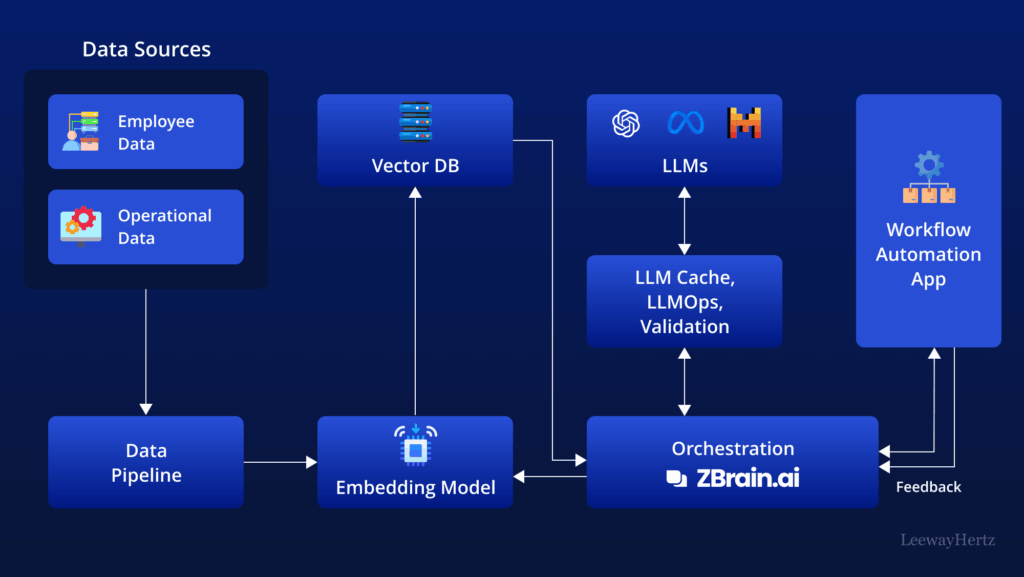
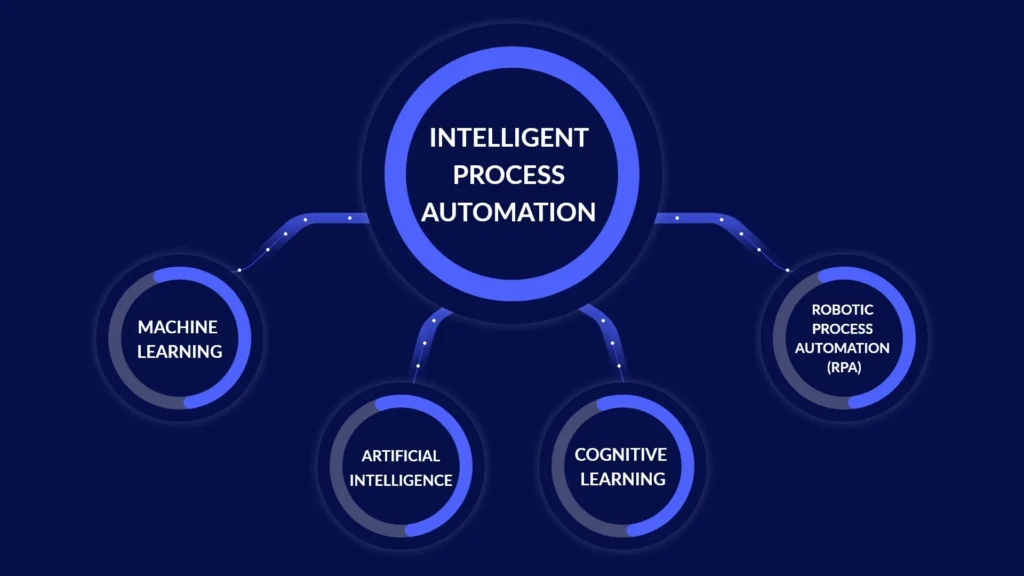
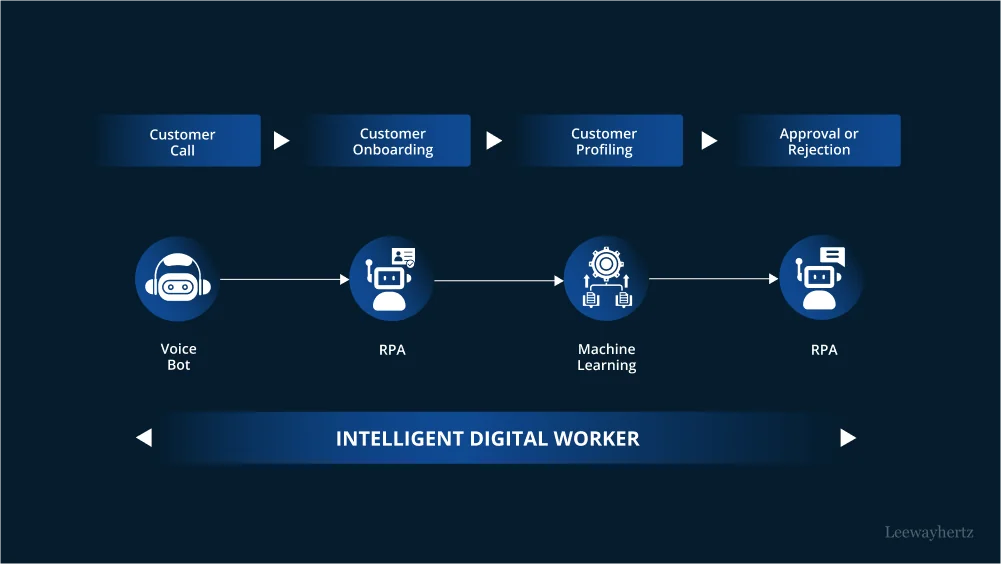
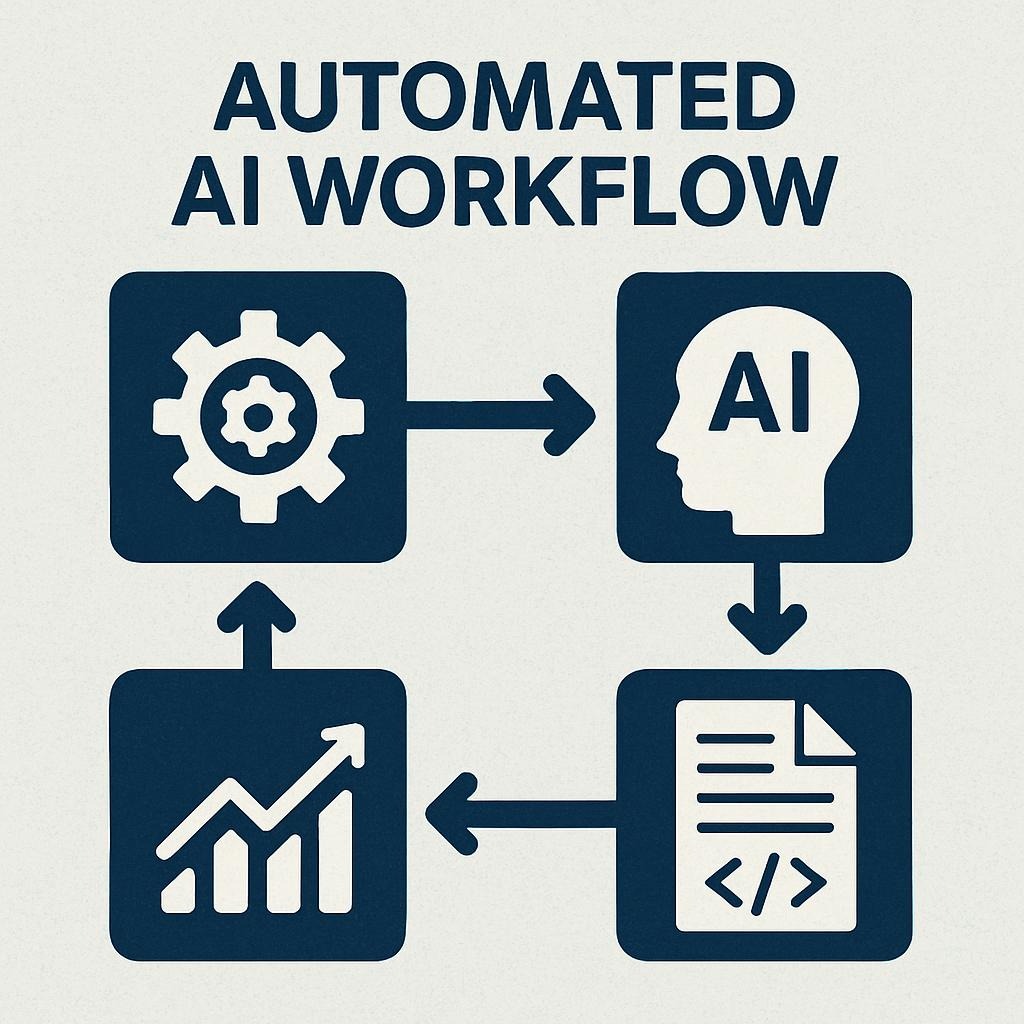
Automated AI Workflow:
Real Costs, Real Failures,
Real Time Saved
Four automations that survived three months of production use — and seven that failed spectacularly at 2 AM on a Tuesday. No affiliate links. No samples. Actual task counts, actual recovery hours.
The Gap Nobody Quantifies
In October 2025, three Zapier workflows broke within 48 hours of going live. One sent a duplicate Slack notification every 90 seconds until I killed it manually at 2 AM. A second missed seven days of client inquiries because Gmail’s threading behavior doesn’t match what “New Email” triggers actually capture. A third generated zero saved time while consuming six hours of debugging.
That’s the real starting point. Not the macro numbers — the actual Tuesday-night failure.
The McKinsey data does point to something real: the bottleneck isn’t access to tools. It’s knowing which workflows survive contact with production data, rate limits, and OAuth ceilings that documentation never mentions.
This guide documents what survives. The three months between the 2 AM failure and the working stack that now saves 12.3 hours a week.
“Every broken Zap teaches you something the documentation skipped — and that knowledge compounds in ways that vendor case studies never will.”
From production notes, October–January 2025–26Before (October 2025) vs. Now (January 2026)
The $49/month doesn’t include the 14 hours spent building and debugging. Factor in setup time and break-even came around week three.
What’s Running — Costs, Usage, and Where the Limits Hit
Full transparency before tactics. Every tool listed below is in active production as of January 2026. The “Critical Limits Hit” column is the part other guides skip.
| Tool | Monthly Cost | December Usage | Critical Limits Hit |
|---|---|---|---|
| Zapier Professional | $29/mo | 1,847 / 2,000 tasks | Gmail 15-connection ceiling; AI actions count as 2 tasks each 92% of limit hit |
| ChatGPT Plus | $20/mo | ~40 API requests/day | Rate limits at 50 req/day; occasional throttling during batch imports |
| Google Workspace | $0 (existing) | Business account | Consumer @gmail.com has app restrictions that break Notion/Airtable connections — upgrade required |
| Slack Pro | $0 (team pays) | ~200 notifications/week | Rate limited to ~1 msg/sec; burst sends silently drop without errors Silent failure |
Total personal cost: $49/month · Time saved: 12.3 hrs/week · Effective rate: $0.95/hour
What Each Platform Actually Does Best (And Where It Silently Fails)
Before building anything, understand where each tool wins. The “Deal-Breaker Limit” column is what every other comparison table omits.
| Platform | Best For | Real Cost at Scale | Deal-Breaker Limit |
|---|---|---|---|
| Zapier 8,000+ integrations | Beginners, quick wins, mainstream app connections | $29–$103/mo (2K–10K tasks) | Gmail connection limit (15 total, all apps); AI steps count double |
| Make Visual builder | Complex branching logic, multi-condition routing | $9–$29/mo (10K–40K ops) | Operations ≠ tasks (pricing is confusing); steeper learning curve |
| n8n Self-host required | Technical teams, unlimited tasks, cost control at scale | $20–$50/mo self-host or $20–$100/mo cloud | 400 pre-built integrations vs. Zapier’s 8,000; server maintenance burden |
| Gumloop Newer platform | AI-native workflows, browser automation | $37–$99/mo | Less mature ecosystem; Chrome extension still in beta |
| Lindy Agent-first | AI agents, natural language workflow setup | $48–$248/mo | Less control over exact logic; cost scales fast with agent activity |
The Actual Make vs. Zapier Decision Rule
Most comparisons say “Make is for advanced users.” That’s too vague. The actual decision rule:
Use Zapier when your workflow is: “If this happens, do that — and maybe do this other thing.”
Use Make when your workflow is: “If this happens, check three conditions, route to different actions per condition, retry failed steps, and log everything.”
Make’s visual builder shows the entire workflow as a flowchart. Zapier’s linear editor hides complexity. Both work — the choice depends on whether you think in flowcharts or checklists.
Seven Failures — Including What Recovery Actually Cost
This section doesn’t appear in other automation guides. It should. A 500-line pull request takes 90 seconds to generate and 2 hours for a careful reviewer to validate. The same asymmetry applies to broken automations: the trigger fires in milliseconds; the cleanup costs hours. Both sides of that asymmetry matter.
What happened: A “New Email” trigger was set up to capture client inquiries. It worked perfectly for initial emails — and completely missed every threaded reply.
Root cause: Zapier’s “New Email” trigger queries Gmail for messages with the is:unread flag. Gmail marks entire threads as read when you open the first message, so replies never register as “new.” This is documented nowhere in Zapier’s setup flow.
subject:"Re: [Project Name]") if you need every reply. Always test with actual forwarded and threaded emails — not fresh test messages. What happened: Built 8 Gmail-triggered Zaps, then added Calendly, Notion, Superhuman. Random Zaps stopped triggering — no errors, no warnings, no indication anything was wrong.
Root cause: Google’s OAuth policy limits each account to 15 simultaneous third-party connections — across every app, not just Zapier. When you hit 15, the oldest connections stop receiving data. Google does not warn you. Zapier does not warn you.
What happened: Imported 200 historical leads to test a notification workflow. The Slack channel received 11 messages, then nothing. Zero errors anywhere in the stack.
Root cause: Slack’s chat.postMessage API enforces a Tier 3 rate limit of approximately 1 request/second per channel. Zapier does not automatically throttle bulk operations. Send 200 requests in a burst and 189 silently drop — Zapier logs them as “success.”
What happened: Built a Zap connecting personal @gmail.com to Notion. Worked in testing. Failed in production with: “Your Gmail data can only be sent to approved apps.”
Root cause: Google’s Data Transfer Restrictions policy limits which apps free consumer Gmail accounts can send data to via Zapier. Google Workspace (business) accounts don’t have this restriction. The error message doesn’t explain the cause or the solution.
What happened: Attempted to parse email content with AI, extract proposed meeting times, and auto-create calendar events. The AI parsed “let’s discuss next quarter’s timeline” as a meeting request — and sent a calendar invite for April 2026 to the client. Three times before the Zap was deleted.
Root cause: AI text interpretation lacks the context to distinguish between “next quarter” as a figure of speech, “next quarter” as a planning topic, and “next quarter” as a proposed meeting time. The models interpret literally when the speaker meant loosely. Calendar actions have zero error tolerance — one wrong invite is a professional incident.
What happened: Imported 400 historical contacts from 2024 to “test” the lead notification workflow. Zapier treated each record as a new live lead. 400 Slack notifications fired. 400 Google Docs were created. 400 acknowledgment emails were sent.
What Six Failures Taught About the Automation Boundary
After six major failures, a pattern emerged. The failures cluster around specific categories — not tool limitations, but structural mismatches between automation logic and human judgment requirements.
✓ Automate Aggressively
- Data movement (email → spreadsheet → CRM)
- Notifications (new lead → alert team)
- Formatting (document → platform-specific version)
- Classification (email → category tag)
⚠ Automate With a Human Gate
- Anything involving money or invoices
- Client-facing messages (draft yes, send no)
- Calendar modifications
- Data deletion
✗ Never Automate
- Meeting scheduling from AI text interpretation
- Actions where failure = professional embarrassment
- Irreversible actions without human review
- Workflows you don’t fully understand yet
The Four Automations That Actually Work
These four workflows have run without manual intervention for eight consecutive weeks. The setup times below are actuals from the fourth attempt — add 50–100% for your first automation if you’re new to the trigger-action model.
Problem: Inbox avalanche. Time-sensitive client emails mixed with newsletters — no triage without reading everything manually.
Solution: Automated classification and routing based on sender domain, subject keywords, and content signals.
Critical watchout: Gmail search syntax is case-insensitive but literal. Test with actual client emails from last week — not synthetic test messages. A newsletter with “urgent” in the subject will trigger the urgent path without a sender-domain exclusion filter.
Problem: Form submissions arrive by email. Manual process: copy to Airtable, send acknowledgment, notify team. Repeatable and rule-based — the right profile for automation.
Solution: AI extraction of structured fields → Airtable logging → 2-hour delayed response → Slack thread with CRM link.
AI Extraction Prompt (Exact)
Extract the following from this form submission email:- name (full name of person)- company (company name or "Individual")- email (email address from form data, not signature)- request_type (Sales, Support, Partnership, or Other)- urgency (High, Medium, Low based on language)Return as JSON only. If any field is unclear, return "Unknown".Email text:{{email_body}} Critical note on the 2-hour delay: The delay “seems human” but still costs one Zapier task. Evaluate whether that’s worth it for your volume. At 240 leads/month, it’s negligible. At 2,000 leads/month, it’s an extra 2,000 tasks.
Validation rule: Manually review the first 20 leads. AI extraction occasionally pulls email addresses from footer signatures instead of form data fields. Prompt specificity (adding “from form data, not signature”) reduces this significantly but doesn’t eliminate it.
Problem: Every external meeting requires 20 minutes of manual context-gathering: CRM notes, LinkedIn, email history. Rule-based, repeatable, high-value — automatable.
Solution: Trigger 24 hours before any external calendar event. Pull CRM data by attendee email. Generate AI summary. Deliver Google Doc link to yourself by email.
The most important prerequisite: This workflow produces output proportional to your CRM data quality. If your Airtable notes are sparse, the AI generates vague summaries. Spend 10 minutes after each client call updating notes — the briefing quality compounds from there.
Problem: Publishing a blog post triggers manual rewrites for LinkedIn (longer, professional context), Twitter/X (punchy, under 200 characters), and logging to a newsletter candidates database.
Solution: WordPress publish → two parallel AI rewrite steps → Buffer queue for LinkedIn and Twitter → Notion newsletter database entry.
LinkedIn Rewrite Prompt (Exact)
Rewrite this blog post title for LinkedIn:- Professional but engaging- Add one sentence of context explaining what the post covers- Keep under 150 characters- No emojisOriginal title: {{post_title}} Twitter/X Rewrite Prompt (Exact)
Rewrite this blog post title for Twitter:- Punchy, curiosity-inducing- Maximum 200 characters (space needed for link)- One relevant emoji permitted- Focus on the key insight or benefitOriginal title: {{post_title}} Watchout: AI rewrites occasionally lose the core topic when the original title is abstract. Add the constraint: “Keep the core topic recognizable from the original.” Also: unpublished WordPress drafts will trigger this workflow — add a filter for Post status = "published".
“Four focused automations beat twenty ambitious ones that break weekly. The difference isn’t the tools — it’s having clear rules about which failures you can tolerate and which ones you cannot.”
From production retrospective, January 2026How to Add AI Without Adding Chaos
AI multiplies both impact and failure modes. The structural rule: use AI for processing, not deciding. The failures that cost the most were all cases where AI was positioned to make a judgment call — scheduling, intent detection, date parsing — rather than to extract, reformat, or summarize.
| Task Type | AI Reliability | Why | Production Safe? |
|---|---|---|---|
| Data extraction from structured text | High | Rule-based, verifiable output | Yes |
| Summarization (long → short) | High | Output quality degrades gracefully | Yes |
| Platform reformatting (blog → tweet) | High | Worst case is awkward copy, not broken workflow | Yes |
| Category classification (tag assignment) | Medium-High | Errors are recoverable; review first 20 outputs | With review |
| Date/time parsing from conversational language | Low | “Next Tuesday” is relative to AI processing time, not email send time | No |
| Intent detection (is this a meeting request?) | Low | Sarcasm, rhetorical questions, cultural context confuse models | No |
| Calendar actions without human review | Dangerous | Failure = client-visible professional incident | Never |
The Prompting Pattern That Works
The difference between a production-safe prompt and one that fails intermittently is specificity on three dimensions: output format, field-level constraints, and a decision framework for ambiguous cases.
❌ Fails intermittently
Summarize this email.
✓ Production safe
Summarize in exactly 3 bullets:1. What they're asking for2. Timeline mentioned (if any)3. Priority: High/Medium/Low (based on language urgency)Each bullet under 20 words.Email: {{email_body}} Production-readiness test: Run your prompt against 10 real examples from last month. If 8 or more outputs are usable without editing, the prompt is production-ready. Below 8, refine before going live.
The Task-Count Trap: AI Actions Double Your Spend
Zapier counts each AI action as two tasks. A 5-step workflow with 2 AI actions uses 7 tasks — not 5. The fix is consolidation: instead of three sequential extraction steps (name, then company, then email), use one prompt that extracts all three fields as JSON. That’s 3 tasks reduced to 1 — a 66% reduction in AI-related task spend.
What the Combined Evidence Points Toward
Read together, the McKinsey adoption-to-value gap (90% invested, fewer than 40% seeing measurable gains), Gartner’s projection that 40% of enterprise applications will embed task-specific AI agents by end of 2026, and three months of production-level failure documentation point toward a specific bottleneck that the vendor narrative consistently ignores: organizations that adopted AI tooling first are accumulating technical debt in their automation layer at the same rate they’re accumulating productivity gains.
The practitioners best positioned heading into 2027 won’t be the ones who adopted earliest. They’ll be the ones who built failure-detection infrastructure alongside their automation stack — error logging, task-count monitoring, and explicit rules about which workflows require human checkpoints — before the agent-based wave makes those decisions at machine speed and machine volume.
Gartner projects that by end of 2026, agent-based systems will begin describing workflows in plain English and suggesting automations from observed behavior patterns. Error recovery will become automatic — failed steps will retry with adjusted parameters. But that architectural shift doesn’t eliminate the judgment requirements that caused the failures documented here. It scales them. An agent that fires 400 times on historical data does exactly what the import cascade failure did — just faster, and potentially across more systems simultaneously.
The four automations in this guide are training data, not endpoints. Every broken Zap teaches the failure mode that an agent-based system will hit at 100x the volume. Build the monitoring infrastructure now, while the failures are recoverable.
The Pre-Launch Checklist That Catches 90% of Failures
Every automation in this guide went through this checklist before going live. The failures documented above all share one trait: a skipped step.
The 90-Minute Pre-Build Audit
Automate the wrong process and you automate broken behavior at scale. Before touching Zapier:
- Track yesterday’s actual tasks with painful specificity — not “email” but “manually copying lead info from email to spreadsheet”
- For each candidate: is it rule-based? Is it repetitive (weekly or more)? What happens if it breaks at 3 AM Friday?
- If failure impact is “professional embarrassment” → add a human gate or remove from candidates
Pre-Launch Testing Protocol
- Test with real data from last week — not sample/synthetic data
- Test edge cases: empty fields, 1,000-character email bodies, emojis, non-English text, forwarded email chains
- Run at different times of day — some API rate limits reset daily; test at off-peak hours
- Manually review first 10 outputs before trusting the system at volume
- Set up failure notifications: Zapier Settings → Notifications → “Email me when Zap errors”
- Create a kill switch: know exactly where to click “Turn Off” — have the Zapier app on your phone
- For bulk imports: test with exactly 5 records first, always
Monitoring Schedule
- Week 1: Check outputs daily
- Weeks 2–4: Check twice weekly
- Week 5+: Spot-check monthly; respond to failure notifications
Five Questions Other Guides Don’t Answer Directly
Start with one automation. Let it break. Fix it.
The four automations in this guide aren’t the end state — they’re the training ground. The practitioners who understand trigger-action logic, OAuth ceilings, and rate limit failure modes now will have a structural advantage as agent-based systems operate those same failure modes at machine speed.
The question for 2027 isn’t whether you adopted AI automation. It’s whether you built the monitoring infrastructure to catch what it breaks before it breaks at scale.
Last updated: January 8, 2026 · Tools covered: Zapier, ChatGPT, Google Workspace, Slack, Make, n8n, Gumloop, Lindy · No affiliate links · Author’s own data
https://www.codetalenthub.io/blog/
Workflow Enhancement vs. Automation: The Costly Mistake 73% of Companies Make
5 Python Projects That Actually Saved Me Hours in 2026 (And What Broke 6 Months Later)
The 9-Step Referral System That Brings Me 80% of My Clients
7 Automated Coding Side Hustles That Earn Without Daily Work
Python Automation Examples 2026: What Actually Survives Production
Contact Us
Top 10 Automation Hacks for Pro Devs in 2026
🚀 Boost Workflow with these JS Snippets (2026): Essential Tools for Modern Developers
From Code to Cash in 2026: How to Land Your First Freelance Developer Client
Avoid These Domain Scams: A 2026 Survival Guide