

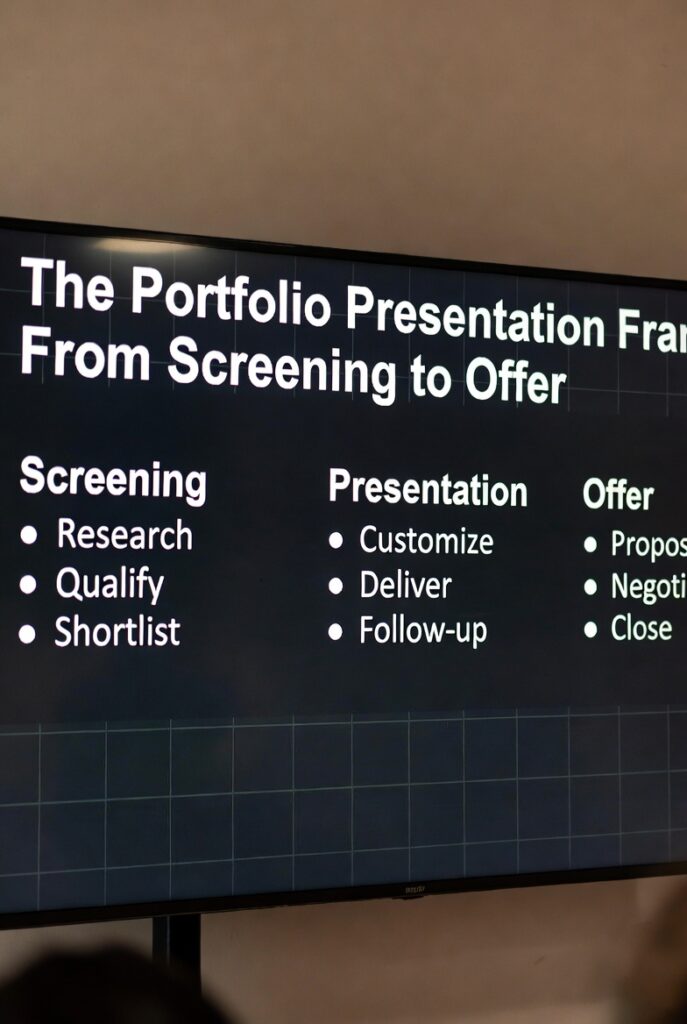

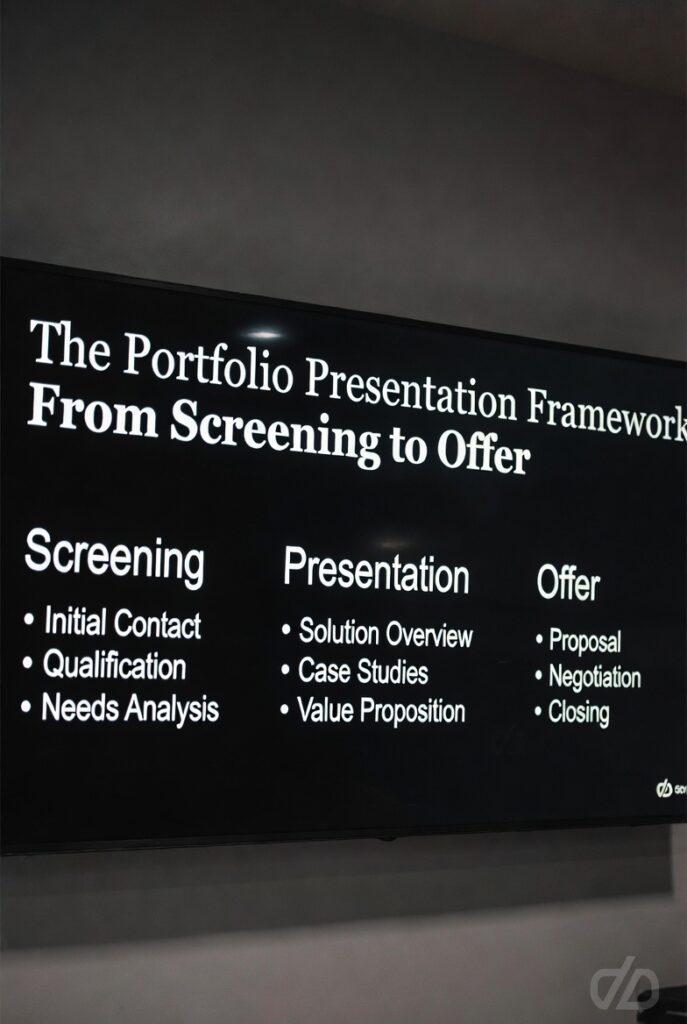
Portfolio Presentation Framework: How Elite Designers Win Offers
How to structure, narrate, and defend your work in an era of AI fluency, remote-first interviews, and systems-thinking evaluation — backed by real hiring data.
Most portfolios die in under 10 seconds. Not because the work is weak — but because the thinking behind the work is invisible. In a documented 2025 hiring sprint, senior designer Lena Kul reviewed 100 portfolios in 5 hours — averaging 108 seconds each, with 73% rejected in the first 10 seconds for one reason: lack of immediate clarity.
This isn’t a guide about making your portfolio prettier. It’s a framework for making your systems thinking visible — the only thing that separates offer-getters from the 98% who don’t make it past the screen.
The New Reality: What Changed in 2025
The portfolio presentation itself — typically 30–45 minutes with a cross-functional panel — is where hiring decisions crystallize. Candidates who survive initial screening often lose the offer here, not because their work is weak, but because they cannot frame their thinking.
Five structural shifts define the 2025 landscape:
AI Fluency Is Table Stakes — But “Babysitting” Is a Red Flag
Prompt → pretty screen → ship without judgment is now a specific rejection trigger in documented hiring debriefs at AI-native companies. Judgment is the moat.
Remote-First Is the Default
“In-person optional” is now standard. Your portfolio must carry weight through structure alone — physical presence can no longer compensate for weak narrative.
Systems Thinking Outranks Pixels
The most in-demand designers combine craft with product architecture skills. Final screens with no constraint analysis are consistently deprioritized.
Roles Are Merging
Design, product, and engineering distinctions blur. “Designer who codes” or “designer who manages product” is becoming the default expectation at staff level and above.
The Rise of the “Super IC”
Even VP-level leaders are hands-on. Everyone — at every level — must demonstrate direct product impact, not just leadership or oversight.
Step 01 Curate for Systems Thinking, Not Volume
The most common failure mode: too much work structured as an archive rather than an argument. With 10–90 seconds of initial attention, every project must earn its place through analytical density, not aesthetic polish.
The 3-Project Rule
Select exactly three projects (maximum four for senior/staff levels). Panels lose retention after the third case study; additional projects dilute impact without adding signal. Every extra project you show is one more chance to give them a reason to move on.
Project 1 — Systems Thinking: Navigating complexity, constraints, and cross-functional ambiguity to deliver measurable outcomes.
Project 2 — Craft Excellence: Visual/UX execution that “sweats the final 10%.” Shows you care about the last mile.
Project 3 — AI Fluency: How you integrated AI tools to change speed, quality, or decision-making — with documented judgment calls, not just outputs.
The Four-Criteria Audit
Each project must satisfy at least three of the four criteria below. If it can’t, it’s a name-check, not a case study. Cut it.
| Criterion | Systems Thinking Indicator | Why It Matters in 2025 |
|---|---|---|
| Problem | Can you articulate the systemic issue, not just user pain? | Shows organizational constraint literacy |
| Intervention | What non-obvious decision changed the trajectory? | Demonstrates product architecture thinking |
| Outcome | Can you cite quantified business AND user impact? | Dual fluency in craft and business metrics |
| Lesson | What did constraint or failure teach you? | “Super ICs” are defined by ambiguity navigation |
Tailoring That Changes Selection (Not Just Styling)
Effective tailoring goes beyond swapping a logo on your cover slide. It requires active research:
- Engineering blog analysis: Read their last 6 months of posts. Identify specific technical constraints they’re wrestling with — and make sure your case studies speak to those constraints.
- AI integration mapping: If they’ve published about AI tooling, ensure your AI fluency project addresses their documented challenges — not just your process.
- Role hybridization signals: If the JD blends design with product or engineering, front-load cross-functional collaboration stories.
Email your recruiter: “Based on the team’s current priorities, which would be most valuable to emphasize: systems architecture, AI workflow integration, or craft execution?” This is signal optimization, not gaming — and it almost always gets answered.
Step 02 Architect the Narrative for Split Attention
You’re presenting to panels whose attention is actively fragmented across multiple browser tabs and Slack notifications. The portfolio that relied on physical presence must now carry weight through structure alone. Every slide must work without you narrating it.
The 4-Act Structure (Remote-Optimized)
The “Immediate” Standard
Presentations that are “immediate” have logic visible without effort. Those that require interpretive work to connect slides lose panels entirely — even with strong underlying work. — Federico Francioni, Principal People Experience Designer, Meta
Test for immediacy: Can someone understand your decision rationale while checking their phone? If not, rewrite the slide before adding visual polish.
Failure as Competitive Advantage
2025 panels specifically screen for how you think under constraint. The “messy middle” — where data contradicts assumptions — cannot be AI-generated. It requires having actually been there.
“We hit this obstacle and overcame it through collaboration.”
This is the shape of an answer with no content. It signals you either didn’t face real constraints, or you can’t articulate them.
“We believed X based on initial research. Week 3 data showed Y, invalidating our information architecture. I had 48 hours to decide: patch or restart. I chose restart because of [specific constraint], costing [resource] but preventing [worse outcome].”
Step 03 Rehearse for Interruption, Not Flow
The 2025 standard: you must narrate any project from start to finish without consulting your slides. Slides are navigation aids for the panel, not your script. If you lose the slides, you should still be able to give the presentation.
Technical Time Allocation
10–12 minutes per project (two projects with Q&A woven in) + 15 minutes dedicated Q&A at the end.
Recording protocol: Record yourself once. Listen specifically for cadence drops, filler language, and sentence structure collapse when explaining complex decisions. Those are the sections to rewrite — not the slides.
The STAR Method: Q&A Defense Only
Use STAR (Situation, Task, Action, Result) only for unexpected questions, not your main narrative. In the primary presentation, STAR makes you sound like you’re reciting a template rather than thinking live.
Rehearsal for Disruption
2025 panels intentionally interrupt to test intellectual ground. They will challenge decisions mid-sentence and introduce hypothetical constraints to see how you respond under pressure. Rehearse this scenario, not polished flow.
Run with a colleague who interrupts at minutes 3, 7, and 11. They should challenge decisions mid-sentence and introduce hypotheticals.
Practice this response frame: “That’s an interesting challenge. The constraint we were operating under was [X], which made [Y] the least-worst option — though under different constraints, [Z] would be preferable.”
Record until you sound analytically grounded, not defensive. The difference is audible.
Step 04 Technical Mastery for Remote-First Reality
Remote interviews require technical preparation that in-person sessions never demanded. A technical failure is not a minor inconvenience — in most panels, it’s an automatic presentation failure. It signals poor preparation and poor professional judgment.
| Category | Required Action | Why It’s Non-Negotiable |
|---|---|---|
| Screen Share | Test at exact presentation resolution before the interview | Compression artifacts degrade visual work; resolution mismatches cut off content |
| Backup | Send PDF to recruiter 24h before; have it open as a second tab | Keynote/Figma crashes happen. A sent PDF cannot be taken back. |
| Environment | Close all tabs/notifications; clean desktop; turn off system sounds | Open tabs and notifications are visible during screen share and signal low preparation |
| Camera | Lens cleaned; eye-level mount; light source facing you, not behind | The digital equivalent of eye contact — panels notice immediately |
| Contingency | Phone hotspot ready; know the dial-in number | Zero tolerance for “my internet dropped” — it reads as failure to anticipate |
Reading the Remote Room
These are the real-time signals that tell you when to slow down, check in, or pivot your narrative:
- 2-second audio pause after you finish: Usually means confusion, not contemplation. Check in: “Does that framing land, or should I walk through the constraint differently?”
- Rapid-fire questions: Engagement. Don’t rush the answers — this is your moment to show depth.
- Silence followed by “any questions?”: You’ve lost the thread. Pause and ask: “I want to make sure I’m covering what’s most useful — what would be most valuable to dig into?”
- All cameras go off mid-presentation: Stop. Check in directly: “I want to make sure I’m pitching this at the right level.”
Step 05 Defend With the Confidence of Systems Thinking
The Q&A phase is a demonstration, not an evaluation. Panels use challenges to simulate collaborative design review and stakeholder pushback — they’re not trying to catch you out, they’re trying to see how you think when pressure is applied.
The “Position + Reasoning” Framework
“We considered several options and landed on this one for a variety of reasons.”
This is the shape of an answer with no content. It signals either that you didn’t own the decision, or that you can’t reconstruct your own reasoning.
“I chose X over Y because of [specific constraint Z]. If Z had been different, I would have chosen differently. Here’s the data that drove that call: [metric].”
This demonstrates product architecture thinking and shows you own the decision fully.
Disagreement as Competency Signal
When you disagree with panel framing, this is actually your highest-leverage moment — not a danger zone. Use this structure:
“I’d push back on that framing slightly. The constraint we were working under made that trade-off less avoidable than it might look in retrospect. Here’s what the data showed at the time: [metric]. Given that constraint, [X] was the least-worst option — though I agree the ideal would be [Y] under different conditions.”
This is the behavior of a “super IC” who knows their work well enough to defend it under pressure — and who can disagree without becoming defensive.
The AI Fluency Trap: Fluency vs. Babysitting
AI fluency is mandatory in 2025. But bad AI usage is now a specific rejection trigger. In documented hiring debriefs from design leads at AI-native companies, candidates showing “AI babysitting” — cleaning up model outputs without original synthesis — are consistently filtered out. The irony: they think they’re showing fluency, but panels see the opposite.
One pattern seen across multiple debriefs: mid-level designers presenting “AI projects” that were essentially prompt → Gemini output → minor cleanup → ship. Panels termed this “AI babysitting” and rejected it for weak critical judgment. — Tom Scott, LinkedIn Commentary, 2025
| AI Babysitting Red Flag | AI Fluency Green Flag |
|---|---|
| Prompt → pretty screen → ship | Prompt → critical evaluation → synthesis → validation |
| Volume of AI-generated assets as the main deliverable | “I used AI-generated variants to run an A/B test in 4 days vs. 6 weeks manually — but had to manually validate [specific assumption] because the model consistently missed [specific user context].” |
| No acknowledgment of model limitations or failures | Specific judgment calls about where AI failed and why human intervention was required |
| “I use AI for everything” (no specificity) | Named tools, named constraints, named moments where you overrode the output |
The Bifurcation Pattern: Why Applications Stay Abysmal Despite Hiring Upticks
The 2025 market contains a paradox: companies report hiring rebounds, yet application-to-interview conversion rates remain depressed. The explanation is bifurcation: the market rewards ruthless curation and visible AI judgment, but most portfolios fail both simultaneously.
Cross-Role Panel Guide: What Each Evaluator Actually Wants
Every panel member evaluates through a different lens. Knowing these lenses lets you layer your narrative to hit multiple signals simultaneously — without changing the underlying story.
Primary Focus
Systems thinking + craft. Decision rationale showing constraint navigation.
✓ Leans forward: You explain why you changed direction based on a technical or business constraint.
✗ Disengages: Stories where design decisions happened in isolation from product context.
Primary Focus
Business outcomes + prioritization. Evidence of trade-off discipline.
✓ Leans forward: You cite that you killed features to protect the core outcome.
✗ Disengages: No success metrics, or metrics that are purely UX (task completion rate only).
Primary Focus
Technical feasibility + collaboration history.
✓ Leans forward: “We did research to confirm our approach” — showing validation, not assumption.
✗ Disengages: Designs that ignore implementation constraints or portray engineering as an obstacle.
Primary Focus
Research integration + insight translation into design decisions.
✓ Leans forward: Cases where research changed direction, not confirmed it.
✗ Disengages: Research described as a checkbox (“we did 5 user interviews”) with no causal link to decisions.
Primary Focus
AI tool integration with documented workflow judgment.
✓ Leans forward: You name specific moments where you critically edited or rejected AI output.
✗ Disengages: “I don’t really use AI” or a pure prompt-to-screen pipeline with no synthesis layer.
Pre-Presentation Command Checklist
These are the actions that separate candidates who lose to “technical issues” and “unclear narrative” from those who walk in structurally prepared. Run through every item, every time.
📋 Complete Pre-Presentation Checklist
- Curation locked: exactly 3 projects, each satisfying at least 3/4 analytical criteria
- AI fluency case confirmed: one project documents AI integration with specific judgment calls and documented failure modes
- Company research complete: engineering blog analyzed; project order adjusted to their specific constraints
- Each case study rehearsed from memory — slides closed
- PDF sent to recruiter: Subject: “Portfolio Backup – [Name] – [Role]”
- Technical dry-run complete: screen share tested at 1080p, backup internet verified
- All browser tabs pruned; desktop cleaned; system notifications disabled
- Environment prepared: camera angle confirmed, lighting tested, lens cleaned
- Slides in presentation mode; PDF backup open in second tab
- Phone hotspot enabled and tested; dial-in number written down
- Vocal warm-up: read opening 2 minutes aloud — at presentation pace, not reading pace
- Interruption response phrases rehearsed until analytically grounded tone feels natural
- Failure narrative from each project rehearsed: specific constraint → specific decision → specific cost → specific prevention
What Changed vs. What Endures
AI fluency documentation: Mandatory, and must include failure modes and judgment calls — not just outputs.
Systems over deliverables: Portfolios heavy on final screens without constraint analysis are actively deprioritized.
Global competition: US companies hiring in Europe with US salaries; local competition is a myth.
Role hybridization: “Designer who codes/manages product” is the default expectation at senior levels.
Selection before presentation: You cannot present your way out of poor curation.
Narrative carries logic: Visuals fail; structure persists. A well-structured argument survives a crashed computer.
Q&A reveals truth: How you defend decisions under pressure predicts on-the-job performance better than any slide.
The core question: “Can I imagine working with this person on a hard problem?”
The Core Principle
The portfolio gets you into the room. The thinking — surfaced through curation discipline, narrative architecture, technical mastery, and defensive clarity — determines whether you leave with an offer.
In 2025, candidates who succeed are not necessarily better designers. They are better at making their systems thinking visible: demonstrating they can navigate complexity, integrate AI tools with judgment, and defend decisions under pressure.
Seconds. That’s what you have. Make them show systems thinking, not just systems. — Framework Principle, CodeTalentHub
The panel isn’t evaluating your pixels. They’re evaluating whether you can be their super IC — the person who owns hard problems end-to-end. Build your presentation for that demonstration.
Sources & Further Reading
All data cited is from 2025 primary research and documented hiring records.
[card url=”https://www.codetalenthub.io/github-projects-redefining-ai-development/”]
[card url=”https://www.codetalenthub.io/star-method-is-dead-2026/”]
[card url=”https://www.codetalenthub.io/how-i-built-a-portfolio-website-in-1-day/”]
[card url=”https://www.codetalenthub.io/5-tech-resume-phrases-for-2025/”]
[card url=”https://www.codetalenthub.io/remote-coding-interview-with-ai-support/”]