
Python Automation 2026
📅 January 8, 2026 | ⏱️ 14 min read | 🐍 All Levels
TL;DR: Python automation saves 5–12 hours/week with the right scripts. Python usage jumped 7 pp to 57.9% (Stack Overflow 2025), and 85% of developers use automation tools (JetBrains 2025). This guide covers file automation, web scraping with BeautifulSoup, Playwright browser automation, GitHub Actions CI/CD, and AWS Lambda deployment—the complete 2026 stack.
Python Automation Statistics 2026
| Metric | Value | Source |
|---|---|---|
| Python usage rate | 57.9% | Stack Overflow 2025 |
| YoY growth | +7 percentage points | Stack Overflow 2025 |
| Devs using automation tools | 85% | JetBrains 2025 |
| TIOBE Index (record high) | 26.14% | Second Talent |
Python overtook JavaScript as the most-used language on GitHub in 2025, posting a 22.5% year-over-year increase in contributions. The TIOBE Index reached 26.14%—the highest rating any programming language has ever achieved.
According to the Python Developers Survey 2025 (30,000+ respondents), 50% of Python developers have less than two years of professional experience. This guide starts from zero and progresses to production deployment.

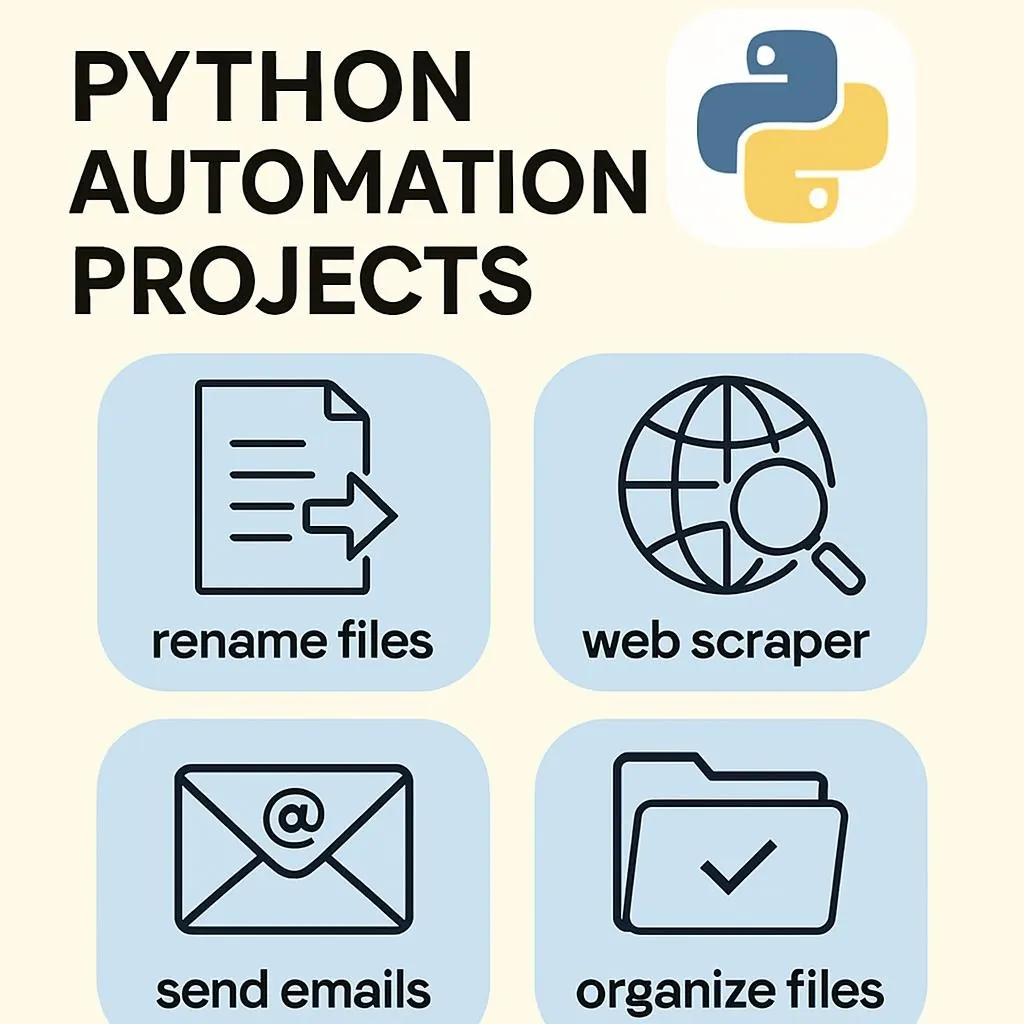
2026 Python Automation Toolchain
Progression Path: File Ops → Web Scraping → Playwright → CI/CD → Cloud
| Category | 2024 Standard | 2026 Standard | Key Benefit |
|---|---|---|---|
| Package Manager | pip + venv | uv (Astral) | 10-100x faster |
| Browser Automation | Selenium | Playwright | Auto-wait, less flaky |
| Web Scraping | requests + BS4 | requests + BS4 | Mature, stable |
| CI/CD | Jenkins | GitHub Actions | Native to repo |
| Cloud Execution | EC2 + cron | AWS Lambda | Serverless, pay-per-use |
| Python Version | 3.10-3.11 | 3.12-3.14 | ~42% faster |
2026 Update: AWS Lambda added Python 3.14 support in November 2025. The State of Python 2025 found 83% of developers run outdated versions—upgrading from 3.10 to 3.12+ delivers approximately 42% performance improvement with zero code changes.
Level 1: Python File Automation (Week 1-2)
⏱️ Time Saved: 20-40 min/week | 📚 Beginner
What it does: Automatically organizes your Downloads folder by file type and date.
Why it matters: Foundational Python concepts (pathlib, iteration, conditionals) while solving a daily annoyance.
# /// script
# dependencies = []
# requires-python = ">=3.10"
# ///
"""
Download folder organizer with dated subfolders.
Run: uv run organize_downloads.py
Schedule: cron (Linux/Mac) or Task Scheduler (Windows)
"""
from pathlib import Path
from datetime import datetime
import shutil

def organize_downloads(download_path: str = "~/Downloads") -> int:
    downloads = Path(download_path).expanduser()

    categories = {
        'images': {'.jpg', '.jpeg', '.png', '.gif', '.webp'},
        'documents': {'.pdf', '.docx', '.xlsx', '.pptx', '.txt'},
        'code': {'.py', '.js', '.html', '.css', '.json'},
        'archives': {'.zip', '.tar', '.gz', '.rar'},
    }

    moved = 0
    for file in downloads.iterdir():
        if file.is_file() and not file.name.startswith('.'):
            ext = file.suffix.lower()
            category = next(
                (c for c, exts in categories.items() if ext in exts),
                'misc'
            )

            # Dated subfolder: documents/2026-01/
            dest_dir = downloads / category / datetime.now().strftime("%Y-%m")
            dest_dir.mkdir(parents=True, exist_ok=True)

            # Handle duplicates
            dest = dest_dir / file.name
            counter = 1
            while dest.exists():
                dest = dest_dir / f"{file.stem}_{counter}{file.suffix}"
                counter += 1

            shutil.move(str(file), str(dest))
            moved += 1

    return moved

if __name__ == "__main__":
    count = organize_downloads()
    print(f"✅ Organized {count} files")
✅ Best Practices:
- Use
pathliboveros.path - Date-based subfolders (YYYY-MM)
- Handle duplicates gracefully
- Test manually before scheduling
❌ Common Pitfalls:
- Flat folders (unsearchable after weeks)
- Overwriting existing files
- Processing hidden files (start with .)
- No error handling

Level 2: Python Web Scraping with BeautifulSoup (Week 3-4)
⏱️ Time Saved: 1-3 hours/week | 📚 Intermediate
What it does: Extracts data from websites automatically—prices, content, and listings.
Why it matters: requests + BeautifulSoup handles 90% of scraping needs.
# /// script
# dependencies = ["requests", "beautifulsoup4", "lxml"]
# requires-python = ">=3.10"
# ///
"""
Web scraper with pagination handling.
Target: http://quotes.toscrape.com (practice site)
"""
import requests
from bs4 import BeautifulSoup
import json
from datetime import datetime

def scrape_quotes(base_url: str = "http://quotes.toscrape.com") -> list[dict]:
    """Scrape all quotes with pagination."""
    all_quotes = []
    next_page = "/"

    headers = {"User-Agent": "Mozilla/5.0 (educational)"}

    while next_page:
        response = requests.get(base_url + next_page, headers=headers, timeout=10)
        response.raise_for_status()

        soup = BeautifulSoup(response.text, 'lxml')

        for div in soup.find_all('div', class_='quote'):
            all_quotes.append({
                'text': div.find('span', class_='text').get_text(strip=True),
                'author': div.find('small', class_='author').get_text(strip=True),
                'tags': [t.get_text() for t in div.find_all('a', class_='tag')]
            })

        # Find next page
        next_btn = soup.find('li', class_='next')
        next_page = next_btn.find('a')['href'] if next_btn else None

    return all_quotes

if __name__ == "__main__":
    quotes = scrape_quotes()
    print(json.dumps(quotes[:3], indent=2))
    print(f"✅ Scraped {len(quotes)} quotes")
⚠️ Legal Note: Always check robots.txt the Terms of Service before scraping. The 2022 hiQ Labs v. LinkedIn ruling affirmed scraping public data isn’t a CFAA violation in the US, but site-specific rules vary. Use practice sites like quotes.toscrape.com for learning.
Level 3: Playwright Python Browser Automation (Week 5-6)
⏱️ Time Saved: 2-5 hours/week | 📚 Advanced
What it does: Automates real browsers for JavaScript-heavy sites, form filling, and screenshots.
Why it matters: Playwright (Microsoft) has become the 2026 standard over Selenium—faster, auto-waiting, and fewer flakes.
Playwright vs Selenium Comparison
| Feature | Playwright ✅ | Selenium |
|---|---|---|
| Auto-wait for elements | Yes | No (manual waits) |
| Built-in screenshots/video | Yes | Plugin required |
| Network interception | Yes | Limited |
| Mobile emulation | Yes | Limited |
| Active development | Microsoft | Community |
| Best for | New projects | Legacy support |
# /// script
# dependencies = ["playwright"]
# requires-python = ">=3.10"
# ///
"""
Playwright browser automation example.
First run: playwright install chromium
"""
from playwright.sync_api import sync_playwright

def scrape_dynamic_site(url: str) -> list[dict]:
    """Scrape JavaScript-rendered content."""
    results = []

    with sync_playwright() as p:
        browser = p.chromium.launch(headless=True)
        page = browser.new_page()

        # Navigate and wait for JS to load
        page.goto(url, wait_until="networkidle")

        # Auto-wait: no sleep() hacks needed
        items = page.locator(".product-card").all()

        for item in items:
            results.append({
                'title': item.locator(".title").inner_text(),
                'price': item.locator(".price").inner_text(),
            })

        # Screenshot for debugging
        page.screenshot(path="debug.png")
        browser.close()

    return results

def fill_form_example():
    """Form filling demonstration."""
    with sync_playwright() as p:
        browser = p.chromium.launch(headless=False)
        page = browser.new_page()

        page.goto("https://example.com/form")
        page.fill('input[name="email"]', "test@example.com")
        page.fill('textarea[name="message"]', "Automated")
        page.click('button[type="submit"]')
        page.wait_for_url("**/success**")

        browser.close()
When to use Playwright vs. BeautifulSoup:
- BeautifulSoup: Static HTML, speed needed, many requests, minimal dependencies
- Playwright: JavaScript-rendered content, form interactions, screenshots needed, testing web apps

Level 4: GitHub Actions CI/CD and AWS Lambda Python (Week 7-8)
⏱️ Time Saved: 3-8 hours/week | 📚 Pro
What it does: Schedules scripts to run automatically in the cloud—no server management.
Why it matters: GitHub Actions handles CI/CD; AWS Lambda runs serverless Python 3.14.
GitHub Actions Workflow
# .github/workflows/automation.yml
name: Daily Automation Pipeline

on:
  schedule:
    - cron: '0 9 * * *'  # 9 AM UTC daily
  workflow_dispatch:  # Manual trigger

jobs:
  run-automation:
    runs-on: ubuntu-latest
    steps:
      - uses: actions/checkout@v4

      - name: Set up Python
        uses: actions/setup-python@v5
        with:
          python-version: '3.12'

      - name: Install uv
        run: curl -LsSf https://astral.sh/uv/install.sh | sh

      - name: Run automation
        run: uv run scripts/daily_report.py
        env:
          API_KEY: ${{ secrets.API_KEY }}
AWS Lambda Handler
# lambda_function.py
"""
AWS Lambda handler for scheduled tasks.
Trigger: EventBridge (cron or rate expression)
"""
import json
from datetime import datetime

def lambda_handler(event, context):
    # Your automation logic here
    result = process_daily_tasks()

    return {
        'statusCode': 200,
        'body': json.dumps({
            'message': 'Success',
            'processed': result['count'],
            'timestamp': datetime.now().isoformat()
        })
    }

def process_daily_tasks() -> dict:
    # Your business logic
    return {'count': 42}
💰 Cost Reality:
- GitHub Actions: 2,000 free minutes/month (private), unlimited (public)
- AWS Lambda: 1M free requests + 400,000 GB-seconds monthly
- A daily 10-second script costs effectively $0 within free tier
Python Automation Security Best Practices
| Approach | When to Use | Risk Level |
|---|---|---|
| Environment variables | Local dev, CI/CD | 🟢 Low |
| GitHub Secrets | GitHub Actions | 🟢 Low |
| AWS Secrets Manager | Production AWS | 🟢 Very Low |
| Hardcoded in script | ❌ Never | 🔴 Critical |
🚨 Email Automation Warning: For 100+ daily emails, direct SMTP becomes unreliable. Use SendGrid, AWS SES, or Mailgun ($15-50/month for 10,000 emails). Configure SPF/DKIM/DMARC for deliverability.
When NOT to Use Python Automation
Knowing when not to automate prevents wasted effort:
- Real-time requirements: Python’s GIL creates latency unsuitable for sub-100 ms operations. Use Go or Rust.
- Frequently changing targets: If scraped sites update weekly, maintenance exceeds manual effort.
- High volume: 10,000+ daily operations need platforms like Temporal or n8n with built-in monitoring.
- Enterprise security: Strict compliance needs audit trails and approval workflows beyond scripts.

Python Automation Progression Timeline
| Week | Focus | Skills |
|---|---|---|
| 1-2 | File Operations | pathlib, iteration, scheduling |
| 3-4 | Web Scraping | requests, BeautifulSoup, pagination |
| 5-6 | Browser Automation | Playwright, forms, screenshots |
| 7-8 | CI/CD & Cloud | GitHub Actions, AWS Lambda |
| 9+ | Production Systems | Logging, monitoring, documentation |
Python Automation FAQ
How long until I see real-time savings from Python automation?
You can expect immediate time savings from simple scripts, such as file organization, which can save 20-30 minutes in the first week. Data processing automation breaks even after 2-3 weeks of development. Complex integrations may take 4-6 weeks before net positive ROI, but they compound over years.
Do I need to know Python well before starting automation?
Basic familiarity is sufficient for Level 1 scripts. You’ll learn Python through automation rather than before it. The Downloads organizer uses fewer than 10 Python concepts.
What’s the difference between UV and PIP?
uv is a Rust-based package manager that’s 10-100x faster than pip and supports inline script dependencies. It consolidates pip, virtualenv, and pyenv into a single binary.
Should I use Selenium or Playwright in 2026?
Playwright for new projects—it’s faster, has auto-waiting, and is actively developed by Microsoft. Selenium when you need legacy browser support or enterprise compliance integrations.
How do I schedule Python scripts to run automatically?
Locally: cron (Linux/Mac) or Task Scheduler (Windows). Cloud: GitHub Actions (free for public repos), AWS Lambda + EventBridge, or Google Cloud Functions.
What Python version should I use for automation in 2026?
Python 3.12+ is recommended. 3.14 is now supported on AWS Lambda. Upgrading from 3.10 to 3.12 delivers ~42% performance improvement with zero code changes.
Is web scraping legal?
Generally yes for public data, but verify robots.txt and Terms of Service. The 2022 hiQ Labs v. LinkedIn ruling affirmed that scraping public data isn’t a CFAA violation in the US. Jurisdiction-specific rules vary.
How much does cloud automation cost?
GitHub Actions: 2,000 free minutes/month (private), unlimited (public). A daily 10-second script costs effectively $0 within the free tier. A daily 10-second script costs effectively $0 within the free tier.
Should I use AI to write automation scripts?
AI assistants accelerate development—49% of developers plan to try AI coding agents in 2025. Always test output with real data, especially for file operations and email automation.
What’s the minimum setup for production automation?
The minimum setup for production automation should include structured logging, error handling with retries, credential management via secrets/env vars, monitoring (success/failure notifications), and documentation.
Conclusion: Python Automation Key Takeaways
- Start with file automation—immediate results, core concepts, zero dependencies
- Use uv for dependency management; inline script headers eliminate complexity
- Progress: files → web scraping → Playwright → CI/CD → cloud deployment
- BeautifulSoup for static HTML; Playwright for JavaScript-rendered content
- GitHub Actions for CI/CD; AWS Lambda for serverless scheduled execution
- Never hardcode credentials; use environment variables or secrets managers
- Time savings compound: 5-12 hours/week is achievable with 3-5 stacked scripts
- Add logging early; debugging scheduled scripts without logs is nearly impossible
- Test with real data before scheduling; file operations are often irreversible
- Know when NOT to automate: real-time, high-security, high-volume scenarios
The developers who save 5–12 hours a week aren’t running exotic algorithms. They’re running boring scripts: file organizers at 3 AM, report generators on the 1st of each month, and data scrapers every morning. Python automation‘s value comes from consistency—the same operation, executed reliably, indefinitely.
Start this week with the Downloads organizer. Run it manually three times. Schedule it. Then identify the next 30 minutes of weekly tedium. Within two months, you’ll have a personal automation stack that compounds indefinitely.
Sources: Stack Overflow Developer Survey 2025, JetBrains State of Developer Ecosystem 2025, Python Developers Survey 2025, Astral uv Documentation, AWS Lambda Python 3.14 Announcement, Real Python, BugBug Playwright vs Selenium Comparison