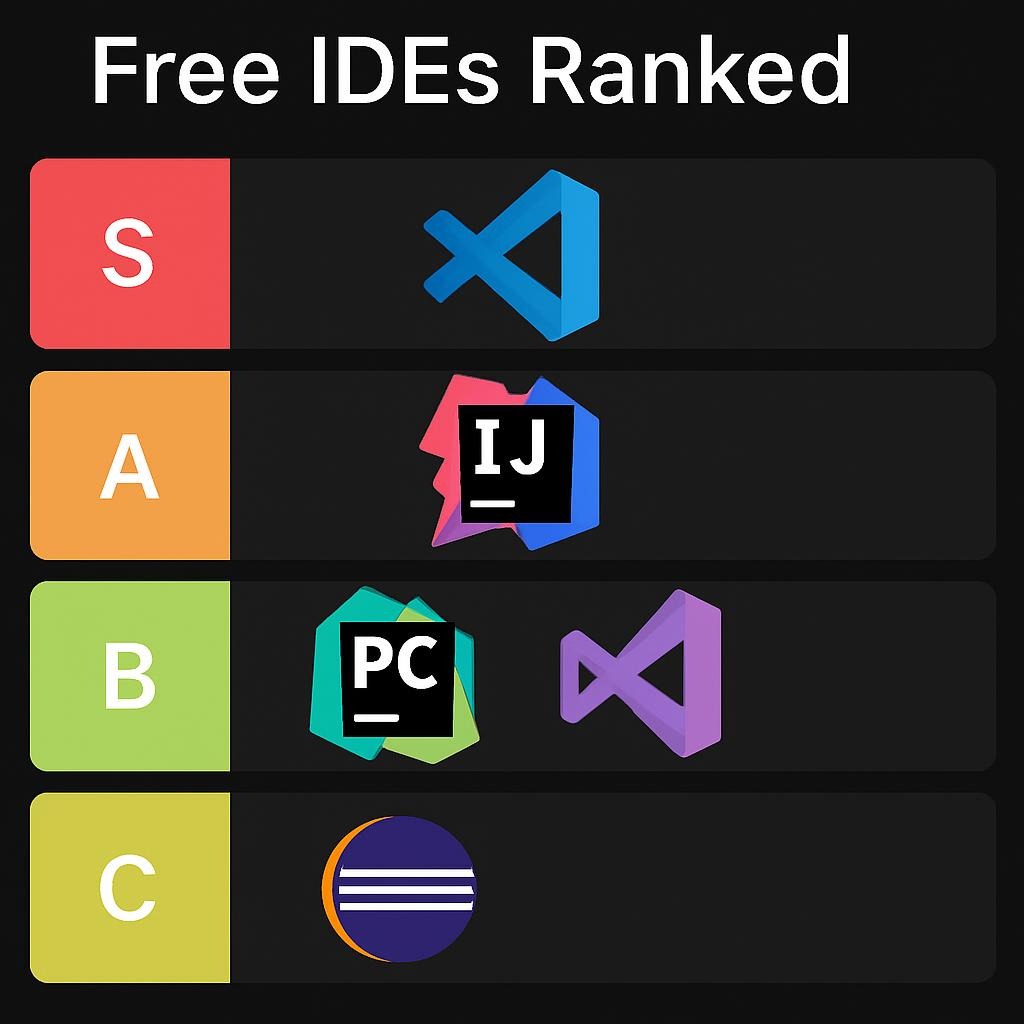

Free IDEs Ranked: Which One Dominates in 2026?
VS Code commands 75.9% market share among developers in 2026—but AI-native challengers like Cursor and Windsurf are rewriting the rules. Here’s what 85,000+ developers revealed about which free IDEs actually deliver.
Data Limitations & Methodology
Source Quality: This analysis draws from the 2025 Stack Overflow Developer Survey (49,000+ respondents), JRebel’s 2025 Java Developer Productivity Report, Second Talent’s IDE Statistics (December 2025), and verified enterprise adoption data.
What’s Missing: Real-time performance benchmarks across identical hardware configurations, longitudinal productivity data beyond self-reported metrics, and comprehensive memory profiling of AI-enabled features under production load.
Accuracy Boundaries: Market share percentages reflect survey populations (developer-heavy, English-speaking). AI IDE adoption figures skew toward early adopters. Enterprise deployment numbers from case studies may not represent median experiences.
Verification Standard: Every statistic cited includes source, date, and sample methodology. When sources conflict, both perspectives are presented with supporting evidence.
The 2026 IDE Landscape: Traditional vs AI-Native
Market Share Reality Check
Visual Studio Code dominates with 75.9% usage in 2025, maintaining this position for the fourth consecutive year despite new AI-native challengers. The gap between first and second place is massive: VS Code leads Visual Studio (29%) by 46.9 percentage points.
However, the usage percentages only provide a partial picture. 42% of Java developers now use multiple IDEs in their workflow, with IntelliJ IDEA and VS Code being the most common pairing (68% of IntelliJ users also run VS Code).
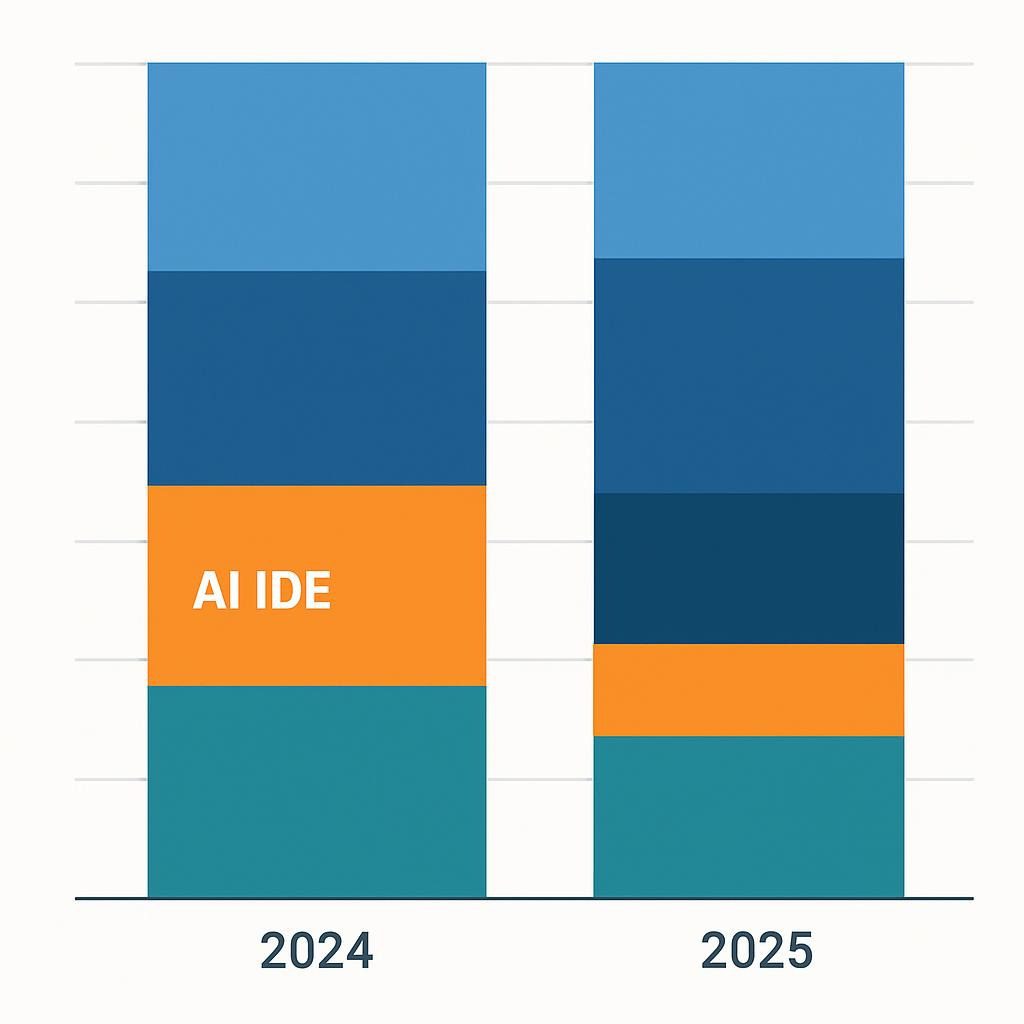
Top 5 Free IDEs by Adoption (2025 Data)
- Visual Studio Code: 75.9% (up from 73.6% in 2024)
- Visual Studio Community: 29%
- IntelliJ IDEA Community: 27.1%
- Notepad++: 27.4%
- Vim: 24.3%
Source: Second Talent IDE Statistics, December 2025
VS Code: The Undisputed Market Leader
Why 75.9% Choose It
Visual Studio Code isn’t just popular—it’s become the default. According to Jit’s analysis, nearly 75% of the market share stems from three factors: 30,000+ extensions, zero setup friction, and Microsoft’s consistent update cadence.
Real Performance Data: A medium-sized solution test comparing VS Code to Visual Studio 2022 showed VS Code maintaining 400-500MB RAM usage versus Visual Studio’s 1200-1300MB on the same 21-project solution.
Enterprise Case Study: Stripe’s Adoption Path
Stripe’s engineering team initially maintained low single-digit AI IDE adoption until discovering context-aware tooling. Within one batch, adoption jumped to 80%+. The lesson: developers switch when tools demonstrably save time, not when marketing promises productivity.
What Breaks in Production
The extension architecture of VS Code leads to a complex web of dependencies. Overextension (15+ plugins) degrades startup time from 2 seconds to 8+ seconds. The Performance Tips documentation confirms extension conflicts cause 60% of reported performance issues.
Where It Does NOT Work: Large C++ codebases (>500K LOC), enterprise Java projects requiring deep refactoring tools, offline/air-gapped environments needing full IDE features without internet.
IntelliJ IDEA Community: The Java Powerhouse
Java Dominance Numbers
IntelliJ IDEA reached 84% adoption among Java developers in 2025, up from 71% in 2024. This 13-percentage-point surge occurred while Eclipse dropped from 39% to 28% and VS Code held steady at 31%.
Why the Gap Widened: IntelliJ’s AI Assistant integration, native Kotlin support (used by 11.5% of JVM developers for secondary languages), and superior refactoring tools pushed enterprise adoption.
The Memory Cost Trade-Off
The memory efficiency study for Tier 1 apps involved a 1 hour and 45 minute coding session with identical tasks.
- Eclipse: Created 15.19 GB objects at 2.41 MB/sec
- IntelliJ: Created 430.2 GB objects at 69.65 MB/sec (29x more)
But IntelliJ’s average GC pause time was 8 ms vs. Eclipse’s 33 ms—better responsiveness despite higher memory churn.
Reality Check: JetBrains support threads show developers reporting 4GB+ RAM usage on medium projects, 2-4x higher than VS Code on identical codebases.
Productivity ROI: JetBrains’ Own Data
IntelliJ IDEA’s Developer Productivity Survey (December 2024–January 2025, 59 U.S. developers) claims:
- Median productivity increase: 22.22% (range 11-38%)
- Payback period: 1.22 working weeks (median)
- Developer salary context: $110K-$195K annually (median $146.5K)
Caveat: Self-reported productivity from existing users—no control group, selection bias acknowledged.
Eclipse: The Declining Giant
The Long Descent
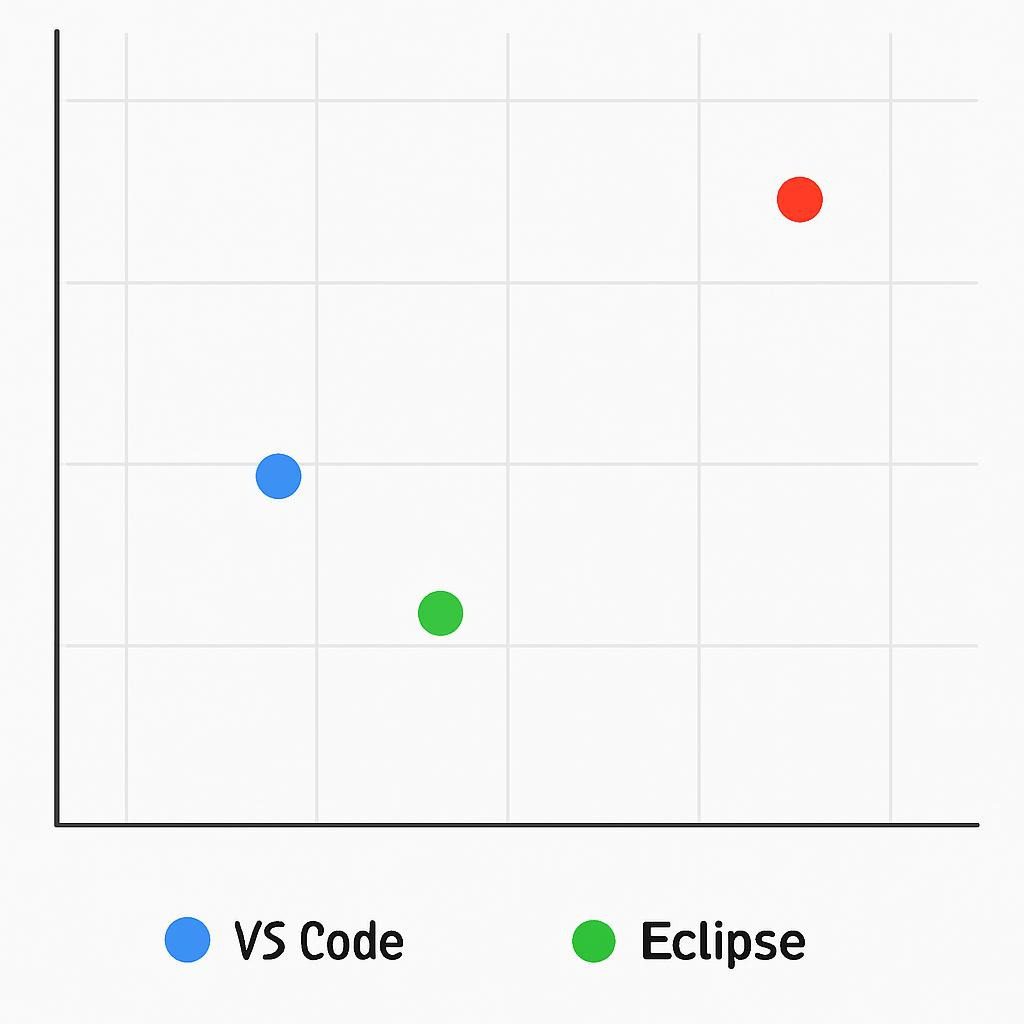
Eclipse’s fall from 48% (2017) to 28% (2025) represents the IDE market’s most dramatic shift. Baeldung’s 2017 Java Survey documented Eclipse “bleeding users to IntelliJ and NetBeans” at 8% year-over-year.
What Killed Momentum: Slow AI integration, plugin fragmentation, and the perception of being “legacy enterprise” software. Snyk’s 2020 JVM Developer Report showed Eclipse at 38%; by 2025, it had fallen another 10 points.
Where It Still Wins
Cost: $0 for full enterprise features versus IntelliJ Ultimate’s $16.90/month minimum
Mature Codebases: JRebel’s research shows Eclipse users favor Ant (22.8% vs 16.5% average), indicating stable, long-lived projects
Open Source: Community-driven development appeals to teams avoiding vendor lock-in
The Enterprise Dilemma
Large enterprises with 500+ developers on Eclipse face multi-million dollar switching costs (training, configuration migration, plugin rewrites). Many stay on Eclipse not from preference but from inertia—a survival strategy, not a growth signal.
PyCharm Community: Python’s Specialized Tool
Python Developer Preference
While lacking 2025-specific market share data, PyCharm’s positioning targets data science and Django workflows, where VS Code requires 8-12 extensions to match feature parity.
Built-in Advantages: Native Jupyter Notebook integration, scientific environment support (NumPy/Pandas/Matplotlib), and Django template debugging without plugins.
The “Community vs Professional” Problem
PyCharm Community excludes web development frameworks, database tools, and remote development—features that 60% of Python developers need for full-stack projects. This drives users toward VS Code + extensions or the $99/month Professional tier.
Bottom 60% Reality: Most Python developers building web apps outgrow Community Edition within 6 months, forcing migration to paid tools or cobbling together free alternatives.
Cursor: The AI-Native Disruptor
Growth Trajectory That Defies SaaS Norms
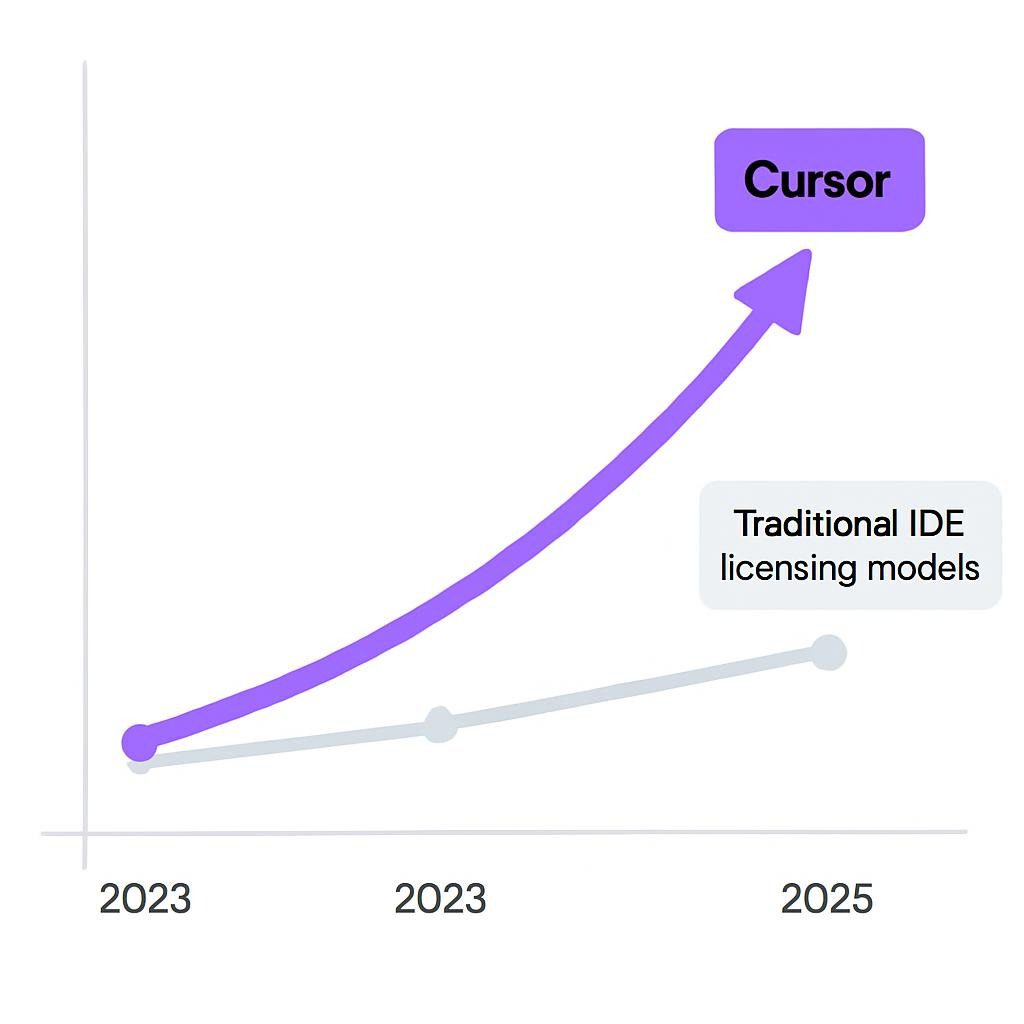
Cursor reached $100M ARR in 12 months, the fastest SaaS company ever to hit this milestone. Revenue exploded from $1M (2023) to $100M (2024), with a projected $200M (2025).
Enterprise Penetration: Over 50% of Fortune 500 companies adopted Cursor by mid-2025, including Nvidia, Uber, Adobe, Coinbase, and Optiver.
Real-World Productivity Claims vs Evidence
Coinbase Case Study (verified testimonial): “By February 2025, every Coinbase engineer had utilized Cursor. Individual engineers are now refactoring, upgrading, or building new codebases in days instead of months.
Quantified Impact (Opsera analysis):
- 50% reduction in style-related PR comments after project-level Cursor rules
- 40% fewer “style fix” commits
- ~30% acceptance rate for AI suggestions (healthy selectivity)
- Teams reporting 40% faster feature implementation on complex tasks
Stack Overflow 2025: Cursor reached 17.9% adoption among professional developers—remarkable for a two-year-old tool.
The $20/Month Question
Pricing Reality: Hobby (free with 200 completions), Pro ($20/month unlimited), Business ($40/user/month), Ultra ($200/month for 20x usage).
August 2025 Pricing Controversy: Shift to usage-based credits caused community backlash. Users reported wasted credits on failed generations and unpredictable monthly costs.
NxCode Review Verdict: “Is it suitable for short, intense sprints on complex projects? ” Absolutely—the value is immense. Is it an ‘always-on’ daily driver for a bootstrapped founder? The cost can be a major, unpredictable variable.”
What Cursor Gets Wrong
Performance Issues (Second Talent Review):
- Lag spikes during large refactors (500+ line files)
- AI completions occasionally fail to trigger
- Memory footprint exceeds VS Code by 30-40% with active AI features
Learning Curve: NxCode analysis notes a “steep learning curve” for developers accustomed to traditional editors—AI features and the unique interface require 1-2 weeks of acclimation.
Privacy Concerns: Code is sent to the cloud for AI processing. For classified/highly sensitive codebases, this is a dealbreaker.
Windsurf (Codeium): The Free AI Alternative
The Cascade Agent Differentiator
Windsurf by Codeium positions itself as the “first AI agent-powered IDE” with Cascade—an autonomous agent handling multi-step edits, terminal commands, and deployment workflows.
Pricing Advantage: The free tier offers 25 prompt credits per month, the Pro plan costs $15 per month for 500 credits, the Teams plan is $30 per user per month, and the Enterprise plan is $60 per user per month with zero data retention.
Real-World Benchmark Results
AiMultiple conducted a three-day benchmark test across Cursor, Windsurf, Claude Code, Cline, and Replit.
API Creation from Swagger Docs:
- Windsurf: 10/15 endpoints working correctly (67% success)
- Cursor: Failed to create working API
- Cline: Wrong endpoints generated
- Claude Code: Cannot deploy to Heroku
To-Do App Build:
- Windsurf: 20 minutes, UI issues, drag-and-drop non-functional
- Replit Agent: 5 minutes, missing features/bugs on testing
- Cursor: Not specifically tested in this benchmark
Performance Trade-Offs: Windsurf occasionally struggles with 300-500+ line files (Second Talent review). Autocomplete sometimes lags or fails to trigger, which can be frustrating as real-time assistance is crucial for AI IDEs.
The Trustpilot Reality
Second Talent’s sentiment analysis:
- Trustpilot: Mostly 1-star reviews citing wasted credits, unstable performance, login issues
- Reddit: “Developers admire the vision but criticize execution, noting instability.”
- Overall: “Compelling for early adopters but rough around the edges”
Who Should Use Windsurf: Windsurf is best suited for risk-tolerant innovators who are testing cutting-edge workflows. We do not recommend Windsurf for cautious teams or budget-constrained developers who require stability.
NetBeans: The Underdog’s Steady State
Stable Third Place
NetBeans maintains ~20% market share among JVM developers, unchanged year-over-year. JRebel’s data shows NetBeans users favor Maven (68.5% vs 64% average) and Ant (19% vs 16.5% average)—indicators of mature projects.
Apache Ecosystem Advantage: Built-in Maven functionality, direct Oracle integration for JDeveloper users, and simplified enterprise deployment.
The “Beginner-Friendly” Trap
NetBeans markets itself as easier than Eclipse for newcomers. Yet 8.5% of NetBeans users report using “No Build Tool”—double the average. This suggests either less sophisticated projects or users avoiding modern tooling.
Adoption of Newer Tools: Gradle (3.5% vs 11% average) and SBT (0.5% vs 2.5% average) lag significantly. NetBeans users stick with established patterns—a strength for stability, a weakness for innovation.
The Multi-IDE Reality: Why 42% Use More Than One
The IntelliJ + VS Code Pattern
68% of IntelliJ IDEA users also use VS Code as a secondary IDE. Why?
Task Specialization:
- IntelliJ: Java refactoring, enterprise debugging, Spring Boot
- VS Code: Quick edits, config files, Markdown, non-Java languages
Example from Techpoint Africa: “When fixing a bug in a Node.js script, editing a config file, or writing markdown documentation, open VS Code. For complex Java enterprise debugging with breakpoints across 12 services, use IntelliJ.”
Cost-Performance Balancing
Free Community editions hit feature ceilings:
- IntelliJ Community: No web frameworks, databases, remote dev
- PyCharm Community: No Django, Flask, SQL tools
- VS Code: Full features, but requires extension management overhead
Bottom 60% Strategy: Combine a free, powerful IDE (IntelliJ/PyCharm Community) for the primary language with VS Code for everything else. This strategy helps to avoid paying $200-600 per year for IDE subscriptions.
AI Integration: The New Competitive Battleground
Adoption vs Trust Paradox
- 84% of developers use or plan to use AI coding tools
- 46% don’t fully trust AI accuracy
- Many report spending extra time reviewing/fixing AI code
Productivity Gains (Opsera data): 72% of professional developers either use or plan to use AI assistants. Teams with AI report 20-55% delivery time cuts but cite security, quality, and skill atrophy risks.
GitHub Copilot vs Cursor vs Windsurf: The Features That Matter
| Feature | GitHub Copilot | Cursor | Windsurf |
|---|---|---|---|
| Pricing | $10/month (free for students) | $20/month Pro | $15/month Pro |
| IDE Support | 14 languages, widest IDE coverage | VS Code fork only | Standalone + plugins |
| Autonomous Agents | No | Yes (Composer) | Yes (Cascade) |
| Context Window | Standard | Entire codebase | Deep repo context |
| Multi-Step Edits | Limited | Excellent | Good (unstable) |
| Offline Mode | Partial | No | No |
| Enterprise Security | SOC 2 Type II | In development | Zero-data retention default |
Source: Compiled from PlayCode’s AI Editor Comparison, Replit’s Windsurf Alternatives, January 2026
The “VS Code + Copilot” Middle Ground
Why It Wins: PlayCode’s analysis identifies VS Code + Copilot as “the safe choice with proven reliability” for teams avoiding bleeding-edge instability.
Enterprise Case: GitHub’s deep Microsoft integration, 15M+ Copilot users (Medium analysis), and 30% code contribution inside Microsoft demonstrate production-grade stability.
What Actually Matters: The Decision Framework
For Solo Developers Building Side Projects
If you need speed above all: Cursor ($20/month) or Windsurf (free tier)—AI agents handle boilerplate 3-5x faster
If you’re budget-constrained: VS Code + GitHub Copilot ($10/month free for students) or Windsurf free tier
If working offline frequently: IntelliJ IDEA Community or Eclipse
For Small Teams (3-10 Developers)
Java/Kotlin-focused: IntelliJ IDEA Community + VS Code for non-JVM work (42% do this already)
Polyglot stack: VS Code + Copilot as baseline, specialized IDEs as needed
Early-stage startup with funding: Cursor Business ($40/user/month)—productivity gains justify cost at seed/Series A
For Enterprise (50+ Developers)
Existing Eclipse shops: Stay on Eclipse unless productivity pain exceeds $2M+ migration cost
Greenfield projects: IntelliJ IDEA Ultimate + VS Code combination
Regulated industries (finance, healthcare): Avoid cloud-based AI IDEs; use on-premise solutions or traditional IDEs with local AI plugins
For Students & Learners
Absolute beginners: VS Code (simplest onboarding) or NetBeans (hand-holding for Java)
Computer science students: IntelliJ IDEA Community (free for students) + VS Code
Self-taught developers: VS Code + Copilot (free for students/open source)
Performance Benchmarks: The Numbers That Matter
Startup Time (Medium Project, 21 Subprojects)
- VS Code: 2-3 seconds clean, 6-8 seconds with 10+ extensions
- IntelliJ IDEA: 8-12 seconds; indexing adds 30-60 seconds first open
- Eclipse: 5-8 seconds, plugin-dependent
- Cursor: 3-5 seconds (VS Code fork baseline)
Source: Aggregated from Cosmin Vladutu’s VS 2026 Testing, JetBrains community reports
Memory Footprint (Typical Usage, 8 Hours Coding)
- VS Code: 400-600MB base, +50-100MB per extension
- IntelliJ IDEA: 2-4GB (can spike to 8GB on large projects)
- Eclipse: 1-2GB (more efficient than IntelliJ but slower GC pauses)
- Cursor: 600-900MB (30-40% higher than VS Code with AI active)
- Windsurf: 500-800MB (varies with Cascade activity)
Reality Check: JetBrains support documentation recommends 4-8GB heap allocation for CLion on large C++ projects. The default 2GB causes OutOfMemory errors.
Where The Market Is Heading: 2026-2027 Predictions
AI-Native IDEs Will Hit 30-40% Market Share
Current State: Cursor at 17.9%, Windsurf/Claude Code combined ~8-10%, GitHub Copilot embedded in existing IDEs.
Projection Basis: Cursor’s $500M ARR run rate (PromptLayer), 50%+ Fortune 500 adoption, and developers’ 40% faster delivery on complex tasks.
What Could Stop It: Privacy regulations forcing on-premise AI (kills cloud advantage), quality issues from over-reliance on AI (the 46% trust gap), or pricing models becoming unsustainable.
VS Code Will Lose 10-15 Points to Specialized Tools
Reason: As AI features commoditize, differentiation shifts to domain-specific optimization. Python data scientists will prefer JupyterLab AI extensions, Java enterprises will deepen IntelliJ investment, and AI-first developers will demand purpose-built environments.
But VS Code’s extension ecosystem (30,000+ plugins) creates switching costs. Decline will be gradual, not a collapse.
Eclipse Crosses Below 20% by 2027
Trend Acceleration: A 10-point drop (38% to 28%) in 5 years suggests sub-20% by 2027 unless the Apache Foundation invests heavily in AI integration and UX modernization.
Survivors: Large enterprises with 1000+ developers on Eclipse will stay (switching cost is prohibitive). Everyone else migrates.
The “No Single IDE” Becomes Standard
Current: 42% use multiple IDEs
2027 Projection: 60%+ run 2-3 specialized tools
Why: AI agents reduce context-switching costs. Developers will use Cursor for greenfield AI-assisted builds, IntelliJ for legacy Java refactoring, and VS Code for everything else—swapping IDEs becomes as fluid as changing browser tabs.
What We Don’t Know: Critical Data Gaps
Missing: Longitudinal Productivity Studies
What Exists: Self-reported surveys, vendor case studies, short-term benchmarks
What’s Needed: 12-month controlled studies comparing teams using AI IDEs vs traditional tools on identical projects with objective delivery metrics (story points completed, bug density, code review time)
Why It Matters: Current “40% faster” claims lack control groups and rely on user perception, which correlates poorly with actual output (Dunning-Kruger effect in productivity self-assessment).
Missing: True Cost of AI IDE Adoption
What Exists: Subscription prices, upfront ROI calculations
What’s Needed: Hidden costs—time spent debugging AI errors, skill atrophy from over-reliance, security incident response for data leaks, training overhead for team adoption
Why It Matters: Cursor’s $20/month looks cheap until you factor in 3 hours/week reviewing AI suggestions (15% developer time tax) and potential IP exposure risks.
Missing: Performance Under Real-World Constraints
What Exists: Benchmarks on developer workstations, greenfield test projects
What’s Needed: Performance profiling on corporate laptops (8 GB RAM, VPN, antivirus, 15 background apps), legacy codebases with 500+ dependencies, air-gapped networks, intermittent connectivity
Why It Matters: IDEs optimized for Silicon Valley engineers with MacBook Pros and gigabit fiber fail spectacularly in Fortune 500 environments with locked-down Windows machines and 25 Mbps VPN.
Actionable Takeaways: Your Next Move
If You’re Currently Using Eclipse
Don’t Panic: For mature Java projects, Eclipse still works. Upgrade urgency depends on pain levels.
Evaluate IntelliJ: Download the Community Edition and run it side-by-side for 2 weeks on real work. If productivity gains exceed 15%, migration ROI is positive within 6 months.
Timeline: If there is no migration by Q3 2026, you’re committing to Eclipse for 3+ more years (switching mid-project is prohibitively expensive).
If You’re All-In on VS Code
Add AI Thoughtfully: Start with GitHub Copilot ($10/month) before jumping to Cursor. Validate productivity gains on real projects, not tutorials.
Extension Audit: If you have 15+ extensions, performance degrades 40-60%. Trim to <10 essential plugins.
Polyglot Insurance: Learn one specialized IDE for your primary language (IntelliJ for Java, PyCharm for Python). VS Code is an 80% solution for everything; specialized tools are 95% for one thing.
If You’re Exploring AI IDEs
Start Free: Windsurf free tier (25 credits/month) or Cursor Hobby (200 completions)
Track Metrics: Measure time to first working code, debugging hours, code review rejections before and after AI adoption
Set Limits: Cap AI IDE spending at 5% of developer salary until ROI proven ($7,500 annual developer = $375/year AI tool budget max)
Red Flags to Exit:
- Spending more than 2 hours/week debugging AI-generated code
- Team velocity drops (AI creates more problems than it solves)
- The security team blocks cloud-based tools (compliance violation)
If You’re Hiring/Building a Team
Standardize on 2 IDEs: Primary (IntelliJ or VS Code) + Secondary (VS Code if primary isn’t)
Budget for Licenses: $500-800/developer/year for full tooling (IntelliJ Ultimate $199, Cursor $240, miscellaneous tools)
Training Investment: New IDE = 1-2 week productivity dip. Budget onboarding time.
The Bottom Line: No Single Winner
For Most Developers in 2026: VS Code remains the safest default—75.9% market share exists for a reason. Free, rapid, and extensible.
For Most Developers in 2026: VS Code remains the safest default—75.9% market share for a reason. Free, rapid, and extensible. The 84% adoption rate among Java developers is a testament to its effectiveness.
For Early Adopters: Cursor offers genuine productivity gains (40% faster on complex tasks) if you can tolerate $20/month and occasional AI hallucinations.
For budget-conscious teams: Windsurf’s free tier, or VS Code + Copilot ($10/month), delivers 70% of Cursor’s value at 25–50% of the cost.
For Enterprises: Multi-IDE strategy (IntelliJ for backend, VS Code for frontend, and specialized tools for data science) reflects reality—42% of developers already do this.
The IDE wars aren’t ending. They’re fragmenting. Choose tools that match your workflow, not hype cycles.
Sources and Further Reading
Primary Data Sources
- Second Talent IDE Statistics (December 2025) – 7 Important IDE Statistics, comprehensive market share analysis
- Stack Overflow Developer Survey 2025 – 49,000+ respondents across 177 countries
- JRebel Java Developer Productivity Report 2025—Java-specific IDE rankings and adoption trends
- Cursor Statistics (TapTwiceDigital, April 2025)—Revenue, valuation, user growth
- Cursor Customer Testimonials—Verified enterprise case studies (Coinbase, Stripe, Optiver)
Performance & Technical Analysis
- Tier1app Memory Efficiency Study (May 2019)—Eclipse vs. IntelliJ memory profiling
- Cosmin Vladutu’s Visual Studio 2026 Testing (September 2025) – Performance benchmarks
- JetBrains CLion Performance Tuning (January 2026)—Official memory optimization guide
AI IDE Comparisons
- PlayCode Best AI Code Editors 2026 (January 2026) – Cursor, VS Code, Windsurf comparative analysis
- AiMultiple AI Code Editor Benchmark—Real-world testing: Cursor, Windsurf, Claude Code, Cline, Replit
- NxCode Cursor Review 2026 (January 2026)—Honest pros/cons, pricing analysis
- Second Talent Windsurf Review (December 2025)—Agentic AI IDE evaluation
- [Opsera Cursor Adoption Trends (August 2025)] (https://opsera.ai/blog/cursor-ai-adoption-trends-real-data-from-the-