
The Portfolio Layout Formula That Actually Gets Callbacks
Three interview requests in six days. One layout change on a Sunday night. Here’s the structure that made it happen — and why most portfolios fail the first 6-second scan before a recruiter ever reads a word.
Sarah Chen refreshed her inbox at 9:14 AM on a Tuesday in October 2025. Three interview requests — Stripe, Figma, and a Series B fintech startup — all arrived within six days of one portfolio layout change. “I changed the layout Sunday night,” she told the recruiter on her first call. “I didn’t expect anything for weeks.” His response: “We found your work in 11 seconds.”
That’s not luck. That’s structure. And the structure is learnable.
Most portfolios fail not because the work is weak, but because the presentation assumes recruiters will read. They won’t. They scan. They’re sorting a pile of 200+ applications in a two-hour stretch, glancing at each portfolio for six to eight seconds before making a binary judgment: worth investigating further, or next. Your portfolio needs to survive that filter — or nothing else matters.
The 6-Second Reality Recruiters Won’t Tell You
Recruiters don’t read portfolios during initial screening. They scan them, specifically for one thing: proof you can solve the problem they’re currently hiring to fix. Not proof of artistic talent. Not proof of enthusiasm. Proof that you’ve delivered something specific and measurable for someone like them, recently.
Most candidates believe the opposite. They assume detailed case studies will reveal genius through careful reading. This assumption is where most portfolios die.
“Who is this person and what do they do?”
“What’s the biggest thing they’ve shipped?”
“Do they know my domain?”
“Can I reach them easily?”
The top-right quadrant is where most portfolios lose recruiters. This is where the strongest business outcome should live — not a navigation menu, not a tagline, not a decorative image. One clear metric, above the fold, no scrolling required.
Here’s what nobody tells you: the top-right quadrant of your hero section is the most important 400 pixels you control. That’s where a recruiter’s eye lands after establishing who you are. If it finds a decorative image or a navigation element, the decision is already tilting toward “next.” If it finds “Increased conversion 34% — 50K new MAU in 90 days,” they’re reading more.
Open your portfolio in a new browser tab. Start a timer. Give yourself exactly 6 seconds. Stop. Write down everything you absorbed. If your value proposition and single strongest outcome aren’t in that list — neither are they in a recruiter’s mental notes. Redesign until they are.
Above-the-Fold Architecture: The Make-or-Break Zone
Heatmap research from the Nielsen Norman Group shows 80% of user attention concentrates on content above the fold. For portfolios, this means everything visible without scrolling determines whether a recruiter engages at all. The traditional hero — biography, design philosophy, aesthetic experiments — fails this test. It answers questions no recruiter is asking at that moment.
The winning structure flips it: lead with the most impressive business outcome you’ve delivered, then prove it immediately below.
A high-converting value proposition contains exactly three elements: role, specific outcome, measurable impact. Like this:
- Role
- Senior Product Designer
- Outcome
- Streamlined 3-step onboarding replacing a 7-screen flow
- Impact
- +34% conversion · 50,000 new MAU · $890K additional MRR
That communicates more in two lines than three paragraphs of professional philosophy. And it survives the 6-second scan.
“Hiring managers don’t read portfolios — they scan for evidence you’ve solved a problem like theirs, recently, with a number attached.”
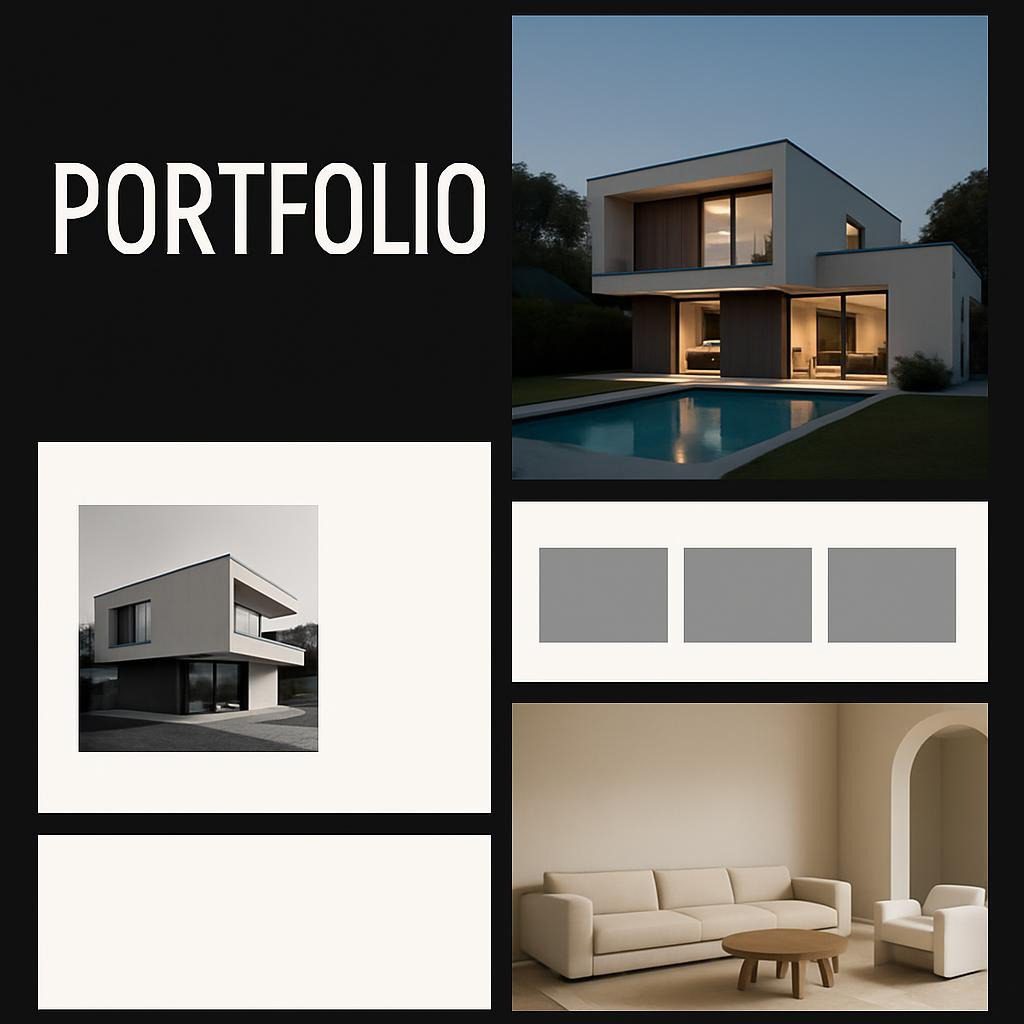
Consistent finding across UX recruiter surveys, 2024–25The background visual in your hero section should reinforce credibility without competing for attention. Product screenshots, simplified workflow diagrams, or clean abstract patterns all work. Full-bleed photography almost never does — it eats contrast, slows load time, and competes with the text you need recruiter eyes to land on first.
Case Study Structure: The Inverted Pyramid
Traditional case studies open with problem context and walk chronologically through process. This is exactly wrong for how recruiters operate. Recruiters spend less than 60 seconds scanning case studies before deciding whether to continue. Walking them through your discovery phase first means they’ll bounce before reaching the outcome that would have made them call you.
The inverted pyramid puts results first, decisions that drove results second, process evidence third.
- Impact headline — “Boosted User Activation 34% Through Streamlined Onboarding” — the result, in the title. Not “UX Redesign Case Study.”
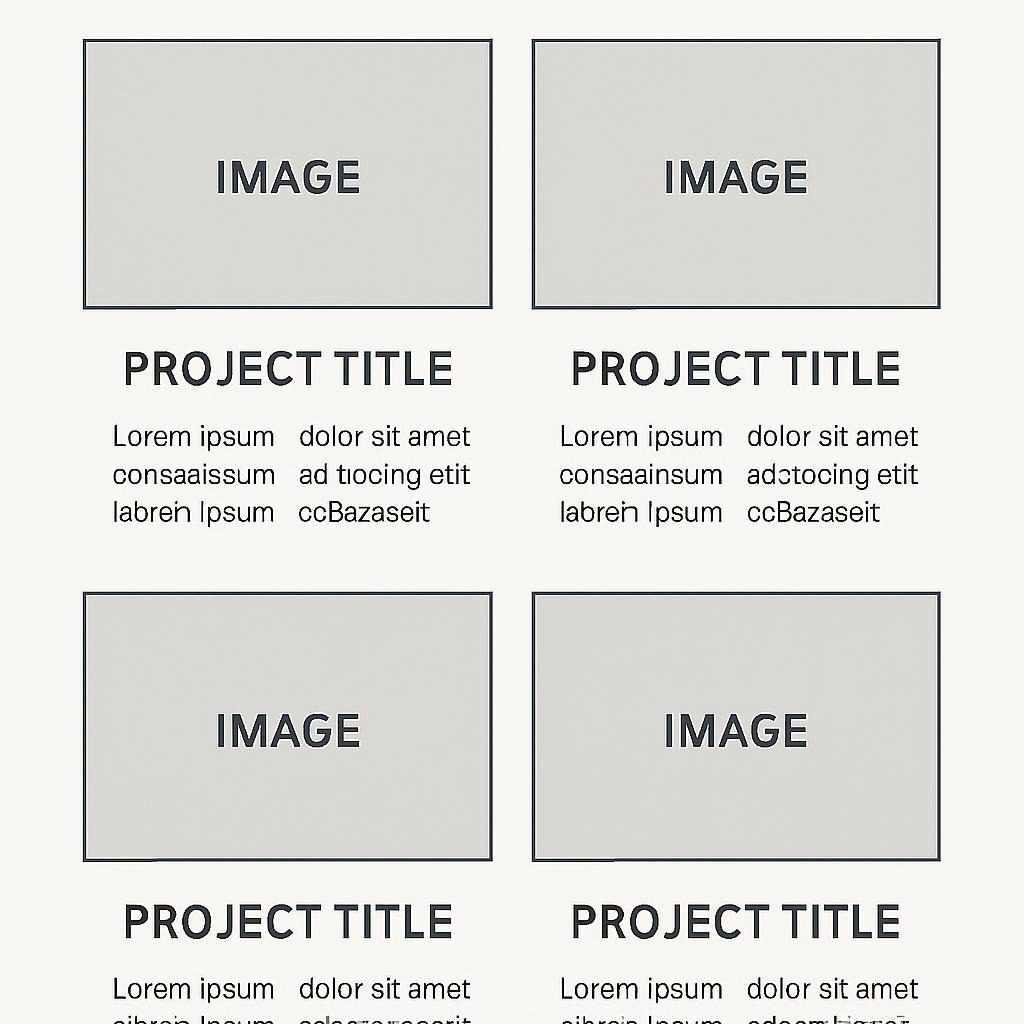
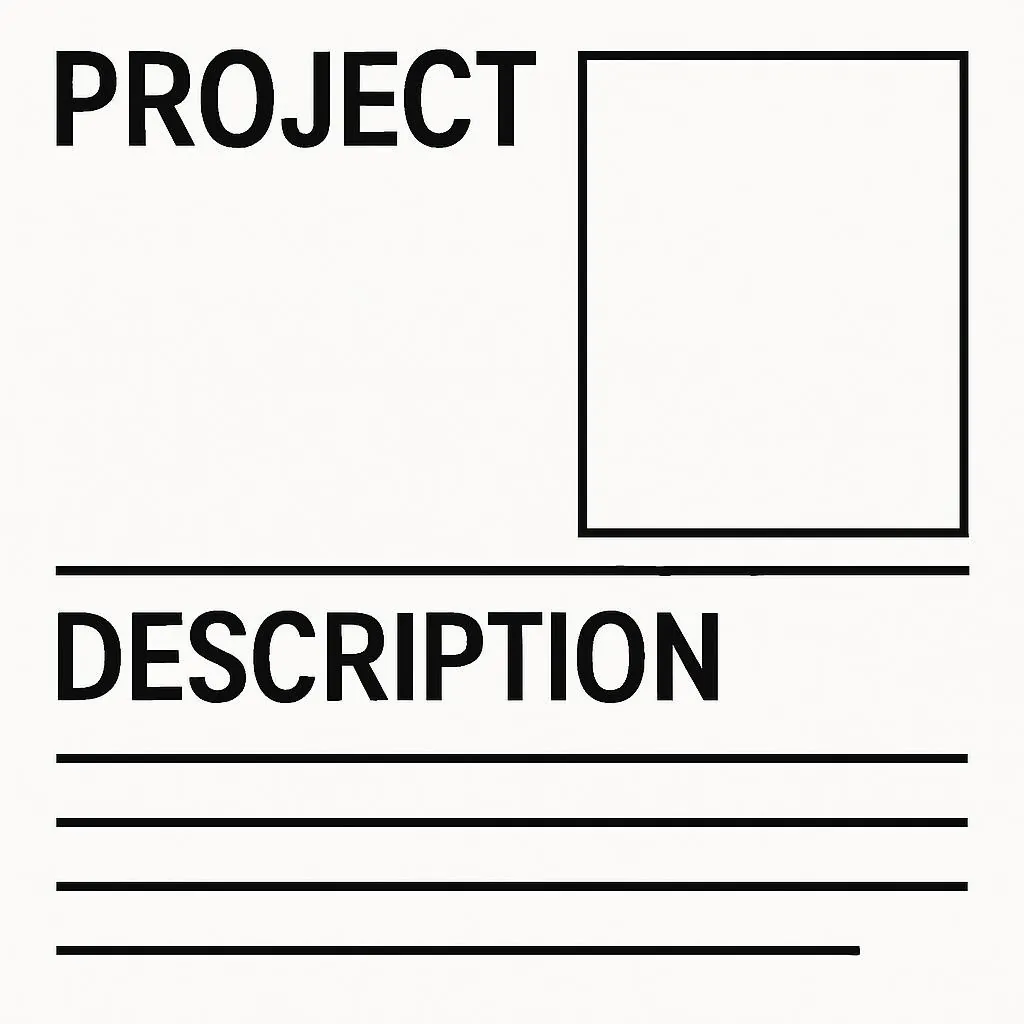
- Project overview block — role, business goal, key outcomes with numbers, timeline, tech stack. Readable in 15 seconds. (See the template below.)
- 2–3 pivotal decisions — not every workshop and sticky note. The moments where your specific expertise changed the outcome, and why you made those calls.
- Evidence layer — annotated visuals, before/after comparisons, workflow diagrams. Each image should communicate one insight in 5 seconds of scanning.
Documenting every research session, iteration, and stakeholder meeting creates case studies that run 5,000+ words. Effective case studies run 800–1,500 words. More than that signals junior-level thinking focused on activities rather than outcomes. If a section doesn’t directly support your impact claim, cut it.
The Project Overview Block: Your 30-Second Sell
Every case study needs a scannable summary answering four questions in 30 seconds or less: What business problem existed? What was your specific role? What did you deliver? What measurable outcome resulted?
Format it as a bordered block immediately below your case study title. Here’s a real example structure:
- Role
- Lead Full-Stack Developer
- Challenge
- Legacy payment system processing 200 transactions/minute, causing 15-minute checkout delays during peak traffic
- Stack
- Next.js · Node.js · MongoDB · Stripe API
- Timeline
- 11 weeks (March–May 2025)
- Impact
- −73% checkout time (15 min → 4 min) · +41% completed transactions · $890K additional monthly revenue
Consistent formatting across all case studies matters. Same fonts, same colors, same layout. Recruiters reviewing multiple projects build a mental model of where to find information — break that pattern and you create friction where you want flow.
For technical roles, the stack entry does real work. “Built with React, Node.js, PostgreSQL, AWS Lambda” tells a technical hiring manager whether your experience matches their environment before they’ve read a paragraph. Don’t hide it in a footnote.
Business Metrics vs. Vanity Metrics: What Recruiters Actually Weigh
Vanity metrics document activity. Business metrics prove impact. The difference isn’t subtle — it’s the difference between a recruiter skimming past your work and forwarding your portfolio to the hiring manager.
- Conducted 15 user interviews
- Created 47 wireframes
- Ran 8 A/B tests
- “Improved UX significantly”
- Built a responsive design
- Shipped to production
- +34% conversion, generating $340K/mo additional revenue
- −52% support tickets, saving $180K/yr in support costs
- User activation 23% → 34%, adding 50K MAU
- Checkout time 15 min → 4 min (−73%)
- P95 load time 8.2s → 4.9s (−40%)
- Churn reduced from 8.1% to 5.4% in 90 days
No analytics access? Use proxy metrics. “80% of test participants completed the checkout flow vs. 40% with the previous design” shows relative improvement even without production data. Be honest about the limitation — “from 12-participant usability test, not live cohort” — and a recruiter will respect the transparency. Fabricated precision breaks trust the moment someone asks a follow-up question.
For every metric in your portfolio, ask: “If my implementation had failed, could this number have been worse?” If the answer is no, it’s a vanity metric. “Conducted 12 user interviews” can’t fail — you always conduct some number. “Identified 3 critical pain points affecting 67% of users” actually could have turned out differently.
When you format metrics, put the number first. Bold it. Use symbols. “Reduced load time 40% (8.2s → 4.9s)” scans faster than “The application’s load time was improved, going from 8.2 seconds down to 4.9 seconds, representing a 40 percent reduction.” That second version requires active reading. The first version works in a scan.
Mobile-First: Where 70% of Your Portfolio Views Actually Happen
Recruiters review portfolios during commutes, between meetings, while standing in line for coffee. Your portfolio is competing for attention on a 6-inch screen with one thumb available. If it doesn’t work there, you’re losing most of your audience before they’ve evaluated a single piece of work.
The failure-recovery asymmetry here is painful: a candidate can spend 40 hours building a beautiful desktop portfolio. A recruiter can discover it’s unusable on mobile in 4 seconds and move on. That’s the asymmetry worth understanding.
| Failure Type | Time to Discover | Recovery Cost | Recruiter Action |
|---|---|---|---|
| Mobile layout broken | ~4 seconds | 2–4 hours rebuild | Gone. No second chance. |
| Load time >8s on cellular | ~8 seconds | 1–3 hours optimization | Usually bounces. Rare exceptions. |
| No metrics above fold | ~6 seconds | 30–60 min redesign | Moves to next candidate. |
| Broken contact link | ~3 seconds | 5 min fix | Doesn’t try another method. |
| Strong metrics above fold | ~6 seconds | N/A | Continues reading. Shares with team. |
Mobile-first means designing for the phone first, then expanding for desktop — not the reverse. Define the minimum information a recruiter needs to evaluate your work: project title, outcome metric, your role, brief context, link to full case study. Build the mobile layout around those essentials. The desktop version then adds context, not core content.
Non-negotiables for mobile:
- Buttons and links: 44×44px minimum touch target
- Body text: 16px minimum (17–18px preferred)
- No horizontal scrolling anywhere
- Navigation operable with one thumb without stretching
- Images lazy-loaded below the fold
Test on real devices. Safari on iOS renders differently than Chrome on Android. What looks acceptable in DevTools can be unusable on an actual screen in actual lighting conditions. This takes 20 minutes and will save you a lot of silence where callbacks should be.
Load Performance as a Credibility Signal
Your portfolio’s load time sends a message before a recruiter reads a word. A slow, bloated site tells a technical hiring manager you don’t sweat the details that matter. That’s a credibility problem, not just a UX problem — especially for developer portfolios.
Google’s Core Web Vitals research shows users form opinions within 2.6 seconds, with load speed being the single most influential factor in that window. For portfolios targeting technical roles, poor performance demonstrates an inability to implement basics. Recruiters hiring engineers notice this. Most candidates assume they don’t.
The biggest offenders, in order:
- Uncompressed images — portfolio sites routinely ship 8MB+ of images, creating 10+ second loads on cellular. Run your images through Squoosh or the built-in Next.js image optimizer. You should achieve 70–90% file size reduction with no visible quality loss.
- Unpreloaded LCP image — your hero section image is your Largest Contentful Paint. Add
<link rel="preload">for it so it renders immediately, not 2 seconds after the page loads. - Unnecessary JavaScript — many portfolio sites ship 2MB+ of JS for content that could work with 50KB. Do you actually need that full animation library for a fade-in? Probably not.
Run a Lighthouse audit and aim for 90+ across performance, accessibility, best practices, and SEO. Then put the score somewhere visible — footer, GitHub README, anywhere. It’s proof of craft that most candidates never think to show.
Testimonials: Third-Party Validation That Actually Converts
Self-reported accomplishments carry limited credibility. A testimonial from a VP of Product carries a lot — not because it’s necessarily more accurate, but because there’s no obvious reason for them to exaggerate your impact.
Here’s the structural difference between a testimonial that converts and one that doesn’t:
“Sarah is great to work with and very talented.” — John S., Startup Founder
“Sarah reduced our checkout abandonment by 34% through redesign work completed in 6 weeks. Her data-driven approach and collaborative style made the project a model for how we work with designers.” — Maria Rodriguez, VP Product, DataTech Inc.
One specifies the outcome, the timeline, and a clear attribution. The other says nothing a recruiter can evaluate. Collect testimonials at project completion — ask specifically for outcome language. Most people will write it if you frame the request: “I’d especially appreciate if you could mention the specific outcome from our work together on [project].”
Position them strategically: one on your About page for general credibility, and project-specific testimonials within case studies, placed right after your outcome claims. That’s the moment a reader is evaluating whether to trust your numbers — and an external voice confirming them is most persuasive.
The About Section: Business Problem-Solver First, Person Second
Your About page should answer one question before anything else: “What business problems do I solve, and for whom?” Not what you’re passionate about. Not your design philosophy. The business problem, the audience, the scope.
Open with your value proposition in one sentence. Then three elements: relevant background (not chronological career history), your actual working approach (not “I’m passionate about users”), and the specific types of work you do best.
“I’m passionate about user-centered design” and “I believe in data-driven decisions” appear in approximately every portfolio. They say nothing because they’re universally claimed. Replace them with something specific: “I prototype in code rather than static mockups, which means teams can user-test interactive experiences within 48 hours of kickoff” — that’s differentiating because it describes actual behavior.
Keep it under 300 words. Add a current professional photo. Portfolios with faces get more callbacks — humans connect with humans, even in a hiring process.
Real-Time Projects: The 2026 Portfolio Standard
Static portfolios displaying work from 12+ months ago signal you’re not actively building. At least one project from the past 90 days should be visible — not because old work is irrelevant, but because recency signals current engagement with current tools and problems.
For developers: current means Next.js 15, React 19, Vue 3 — not jQuery or Angular 1.x. Modern backend patterns: serverless, edge computing, real-time processing. For designers: current means addressing WCAG 3.0 considerations, emerging device categories, AI-assisted interfaces.
Set a calendar reminder every 90 days to add something new. It can be small — a tutorial project, a component library update, a new case study from work if allowed. Consistent updates beat impressive-but-old work when a recruiter is choosing between two otherwise comparable candidates.
Your GitHub contribution graph is visible. Long gaps in activity signal disengagement, even if your current job prevents public commits. Fix this by contributing to open-source documentation, maintaining a public learning repository, or building portfolio projects that demonstrate current skills. Something, consistently, is better than nothing for months.
What Recruiters Actually Ask (The FAQ That Does Real Work)
A FAQ section should address questions that influence hiring decisions — not questions that make the candidate look thorough. Here are the ones that actually come up.
Anonymize sensitive details while keeping impact metrics and design decisions intact. “Series B Fintech Startup” replaces the company name. “Payment processing dashboard” replaces the proprietary product name. Keep the metric: “Reduced transaction failure rate from 8.3% to 1.1%.” Always verify the anonymization approach with legal before publishing. When in doubt, ask for written permission — many clients agree if you can show them what you plan to share.
Screenshot key metrics before access expires. This is the most important habit you can build during a project: capture baseline metrics before your work, post-launch metrics showing impact, and the dashboard URL. Store them in timestamped project folders. When metrics aren’t available, use proxy measurements — “80% of usability test participants completed the checkout flow vs. 40% with the previous design” — and be explicit about the limitation. Honesty about method builds more trust than precision you can’t back up.
Be explicit about your specific role: “Led checkout flow redesign (components, interaction patterns, usability testing) while collaborating with 2 other designers on broader cart experience” tells a recruiter exactly what you owned. Distinguish between leading strategy, leading execution, and contributing. Recruiters value clarity about team dynamics — an honest collaboration story builds more trust than a solo hero narrative they’ll see through in an interview anyway.
For junior candidates, yes — if treated seriously. Label them transparently (“Bootcamp Project,” “Self-Directed Learning Project”) and focus on projects that mirror real-world problems rather than tutorial exercises. The thinking process and documented decisions matter more than whether the work shipped to production. One well-reasoned bootcamp project with a clear problem statement and documented trade-offs outperforms five tutorial clones.
New content every 90 days minimum. Update your availability status the day it changes — ambiguity creates friction, and a recruiter unsure whether you’re actually looking often won’t bother asking. Run a full audit quarterly: broken links, outdated project details, contact form functionality, and performance regression. One broken contact method per month left unfixed is 12 lost opportunities per year.
Yes, for established professionals. A custom domain (yourname.com or yourname.design) costs $12–15/year and signals you’re serious about your professional presence. Free subdomains (yourname.wix.com, yourname.webflow.io) are acceptable for students and recent graduates, but become a mild credibility drag once you’re past that stage. It’s a very cheap signal to send correctly.
“The portfolios that generate callbacks aren’t the most beautiful ones. They’re the ones that answer the recruiter’s question before the recruiter knows they’re asking it.”
Pattern consistent across hiring manager interviews, 2025The Forward View: Where This Is Heading in Late 2026
Three signals are pointing in the same direction. First, AI-generated code volume is climbing — GitHub Copilot self-reports suggest 40%+ of code suggestions are accepted at some organizations, though no independent audit covers the full industry. Second, senior developer hiring is concentrating in organizations with measurement frameworks that track code quality alongside velocity. Third, the portfolios standing out in 2026 aren’t the most polished — they’re the ones showing judgment under constraint: what they shipped, what they didn’t ship, and why.
Read those three signals together: the candidates best positioned in 2027 won’t be the ones with the most impressive technical breadth. They’ll be the ones who can demonstrate not just that they built something, but what they measured, what they learned, and what they’d do differently. A portfolio built around that evidence now is structurally different from one built around deliverables alone — and that gap is widening.
The portfolio that survives the 6-second scan isn’t the one that looks most impressive. It’s the one that answers the one question the recruiter is actually asking: “Can this person solve my specific problem, right now, with measurable results?” Every other decision in your portfolio structure should trace back to that.
Sources & Further Reading
- Nielsen Norman Group — “Scrolling and Attention” (2022). Heatmap research on above-fold attention concentration.
- Google Web Dev — Core Web Vitals. Load speed and user perception data.
- W3C — WCAG 3.0 Introduction. Current accessibility standard reference.
- Squoosh — Image compression tool. Recommended for portfolio image optimization.
- Google PageSpeed Insights — Lighthouse audit tool. Performance scoring reference.
- LinkedIn Talent Insights, 2025 — Recruiter time-on-portfolio data; no public URL; available to LinkedIn Recruiter subscribers.
- GitHub Copilot Transparency Report, 2024 — Self-reported acceptance rate data. Note: vendor-reported figures, no independent audit.
[card url=”https://www.codetalenthub.io/tech-resumes-in-2026/”]
[card url=”https://www.codetalenthub.io/how-i-built-a-portfolio-website-in-1-day/”]
[card url=”https://www.codetalenthub.io/resume-vs-linkedin/”]
[card url=”https://www.codetalenthub.io/the-advice-that-got-developers-hired-2026/”]
[card url=”https://www.codetalenthub.io/5-portfolio-mistakes-killing-job-offers/”]